Introducing HTML Support in Figma’s Dev Mode with Anima
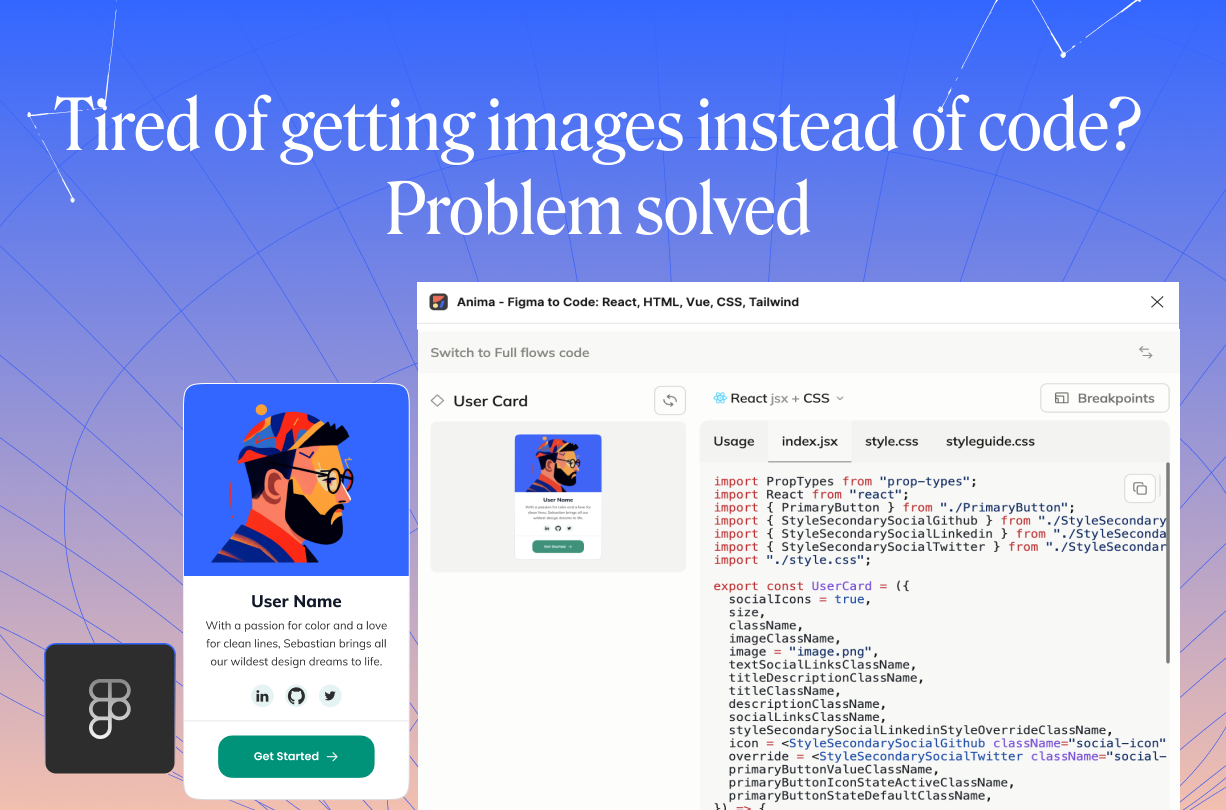
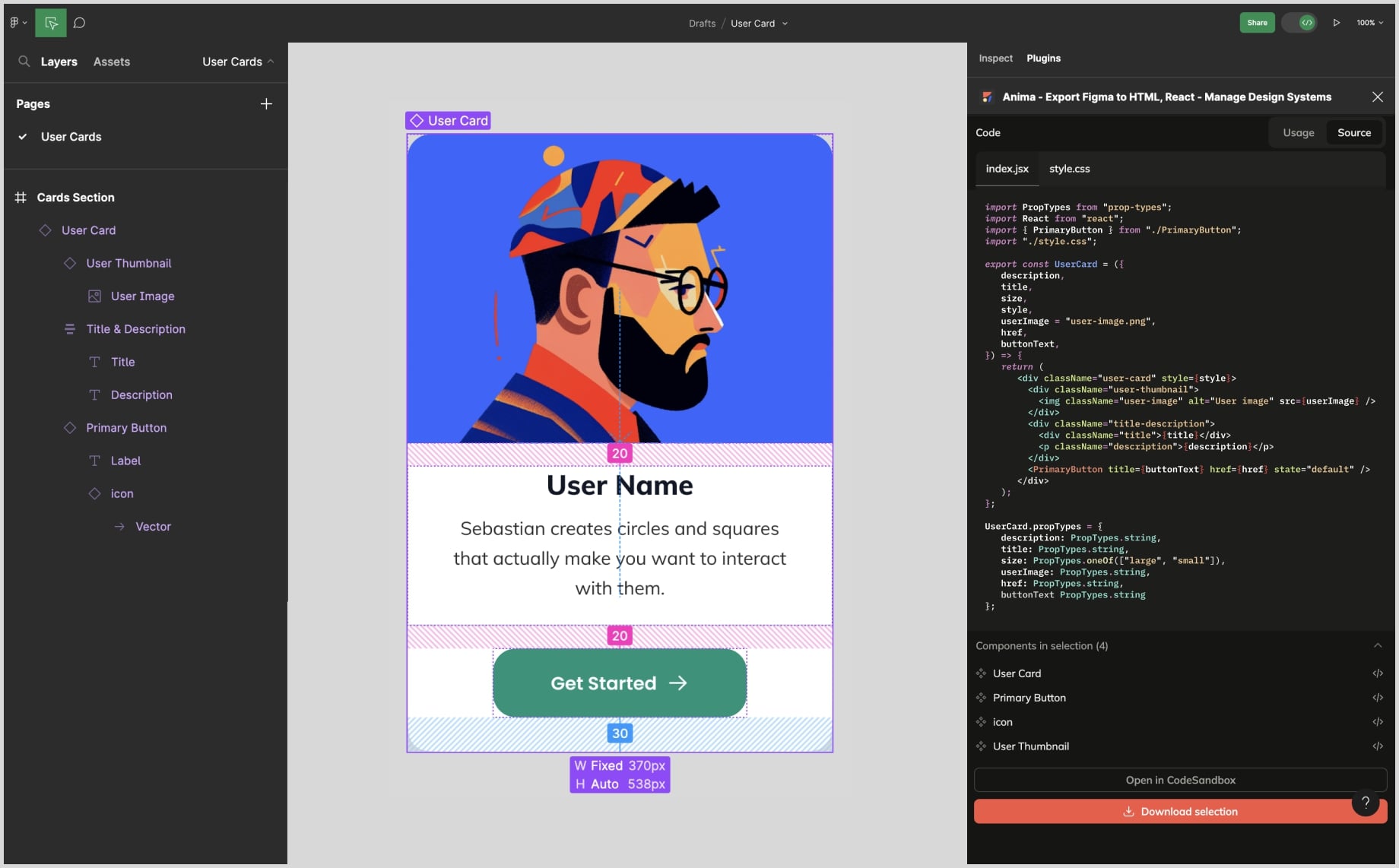
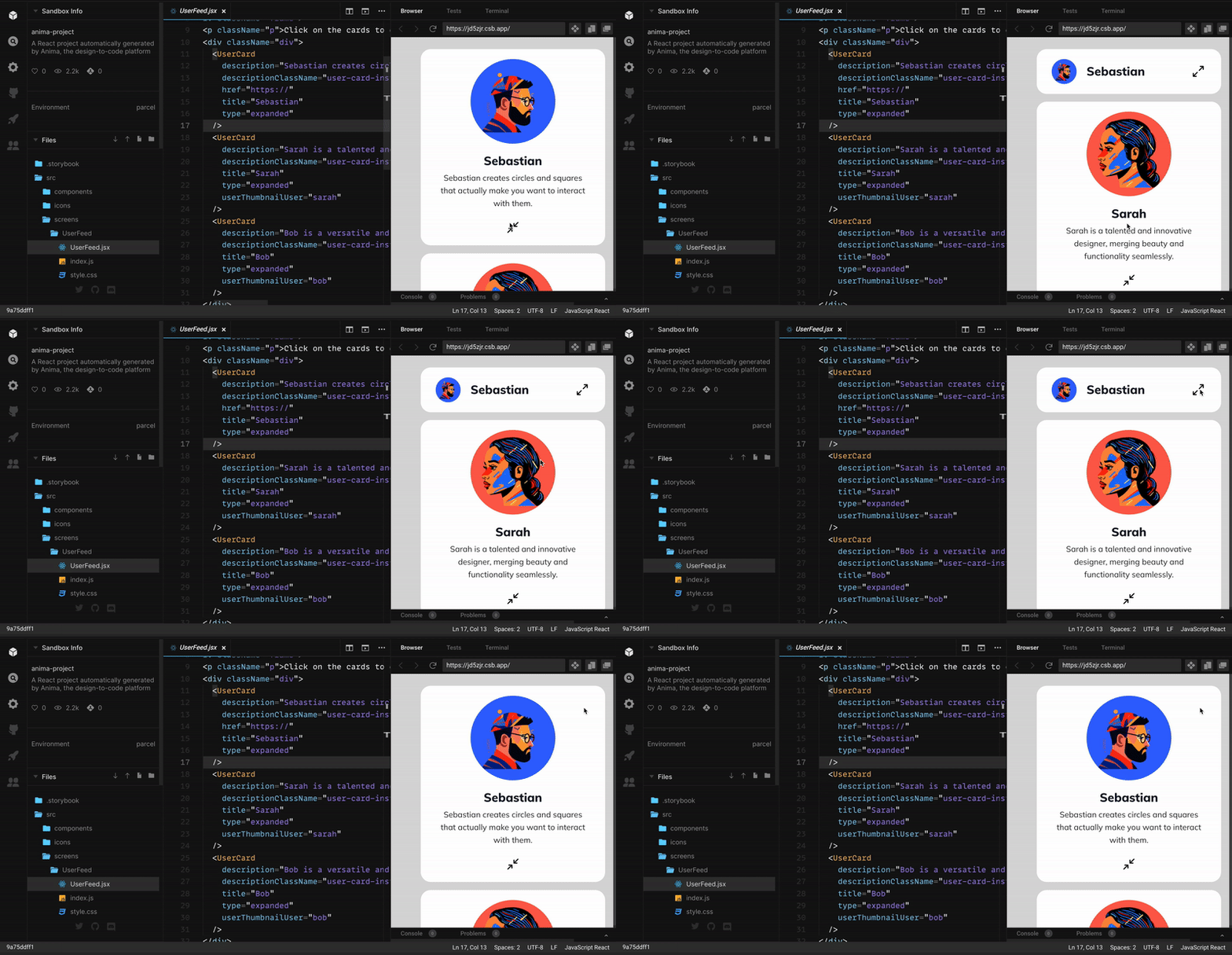
Reading Time: 2 minutesBuild in Figma, and Anima will translate your designs into HTML. Copy paste, export or open in Codesandbox, right from Figma's Dev Mode.
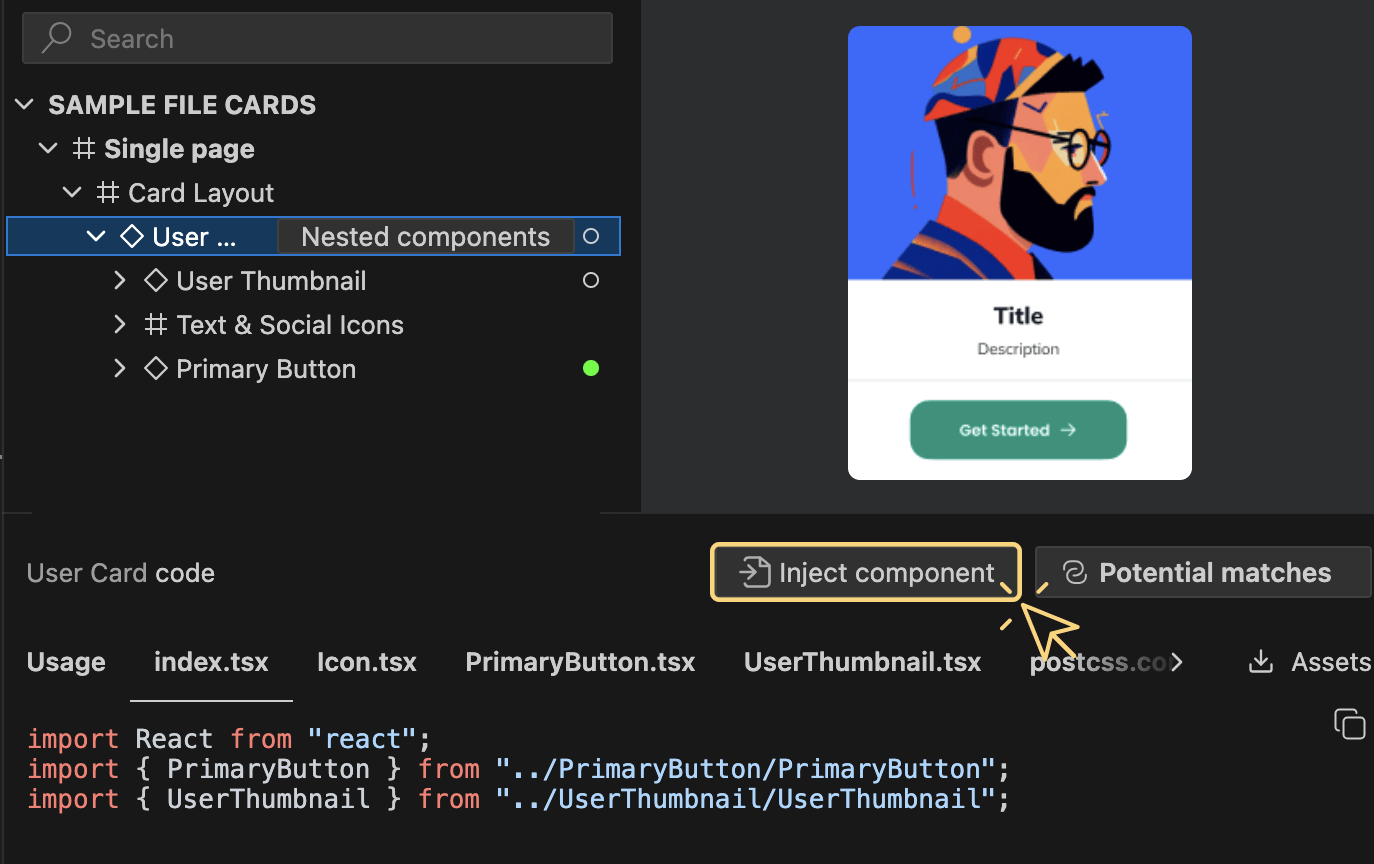
Reading Time: 3 minutesToday, we’re thrilled to launch our GenAI code personalization! A whole new level of design to code workflow. If you ask 1000 developers, you’ll get 1000 different sets of tech stacks, coding styles and conventions. One constant feedback we get about Anima’s generated code, is that will never look the same as if they had been written it themselves.
Reading Time: 3 minutesExplore the evolution of code generation at Anima, where six years of experience meets the latest in LLMs and generative AI. Dive into the complexities of front-end development, from HTML and CSS to responsive behavior, interactivity, and beyond.
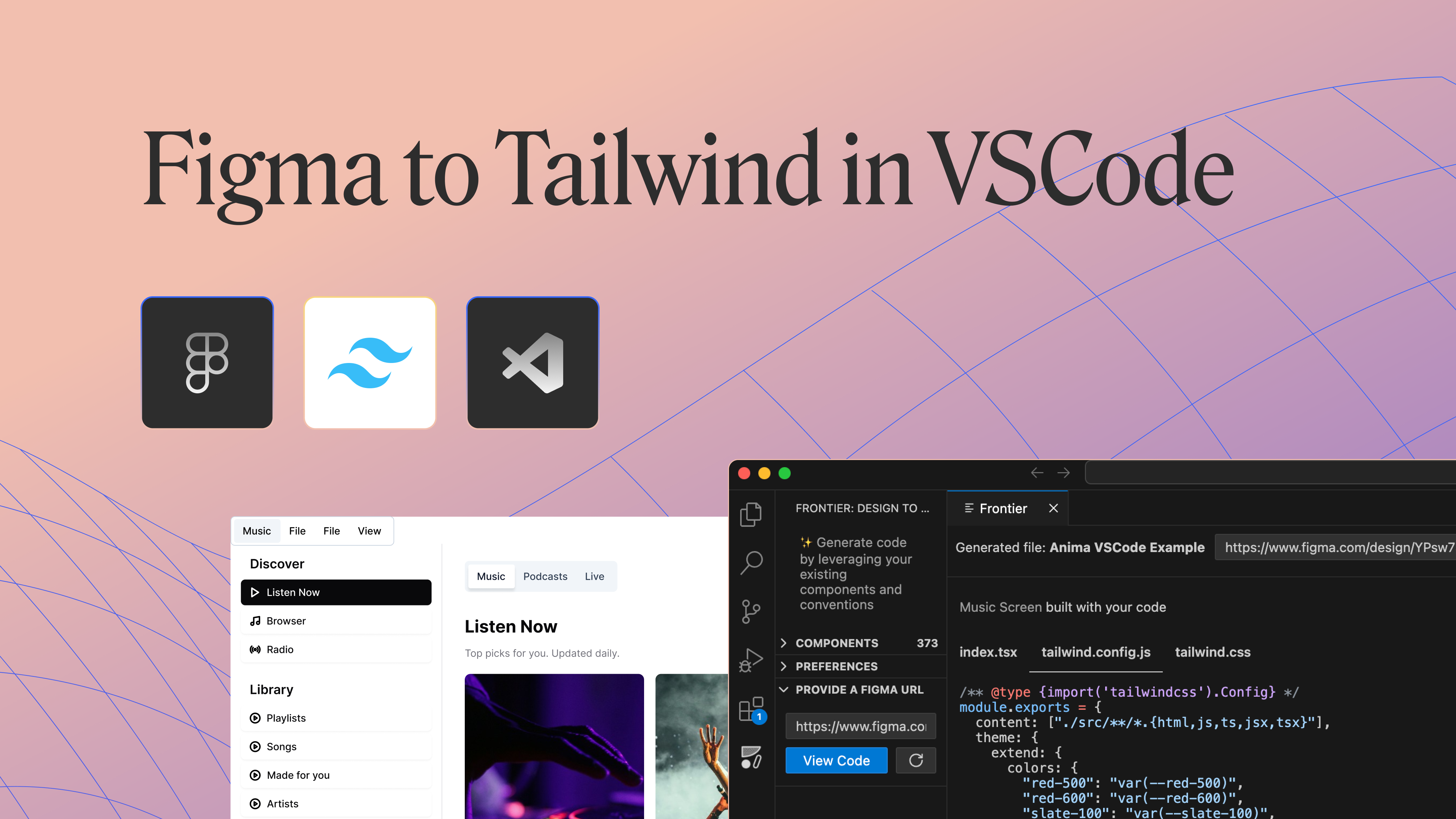
Reading Time: 2 minutesWe're thrilled to announce that Tailwind CSS support is live! Anima will map your design properties to Tailwind's base styles. Design attributes, such as colors, spacing, and typography, will be translated into concise Tailwind classes.
Reading Time: 2 minutesWe are thrilled to introduce Anima's new support for Figma variables. This groundbreaking feature allows you to translate Figma variables into code, harmonizing your design and development process.
Reading Time: 2 minutesAnima’s code generator now supports Figma variants and variant transitions, producing stateful, interactive React components in a click—right from Figma.
Reading Time: 2 minutesFigma added ‘Min/Max’ and ‘Wrap’ to its Auto Layout options, closely matching how developers structure their code. Anima’s CodeGen AI now supports these options, resulting in cleaner, more efficient CSS.
Reading Time: 2 minutesAnima's CodeGen AI now converts Figma styles into CSS variables, resulting in more efficient, reusable code.
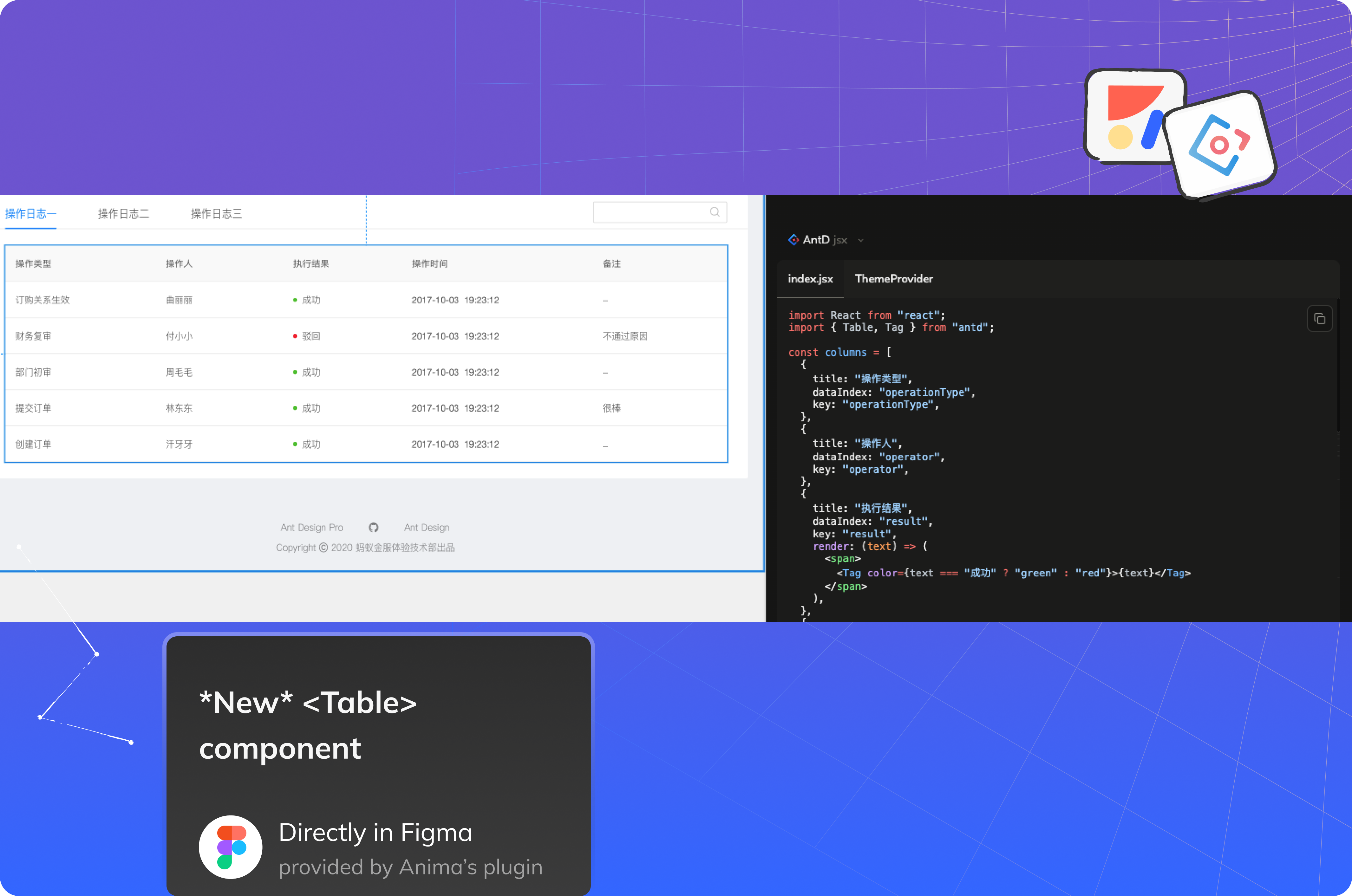
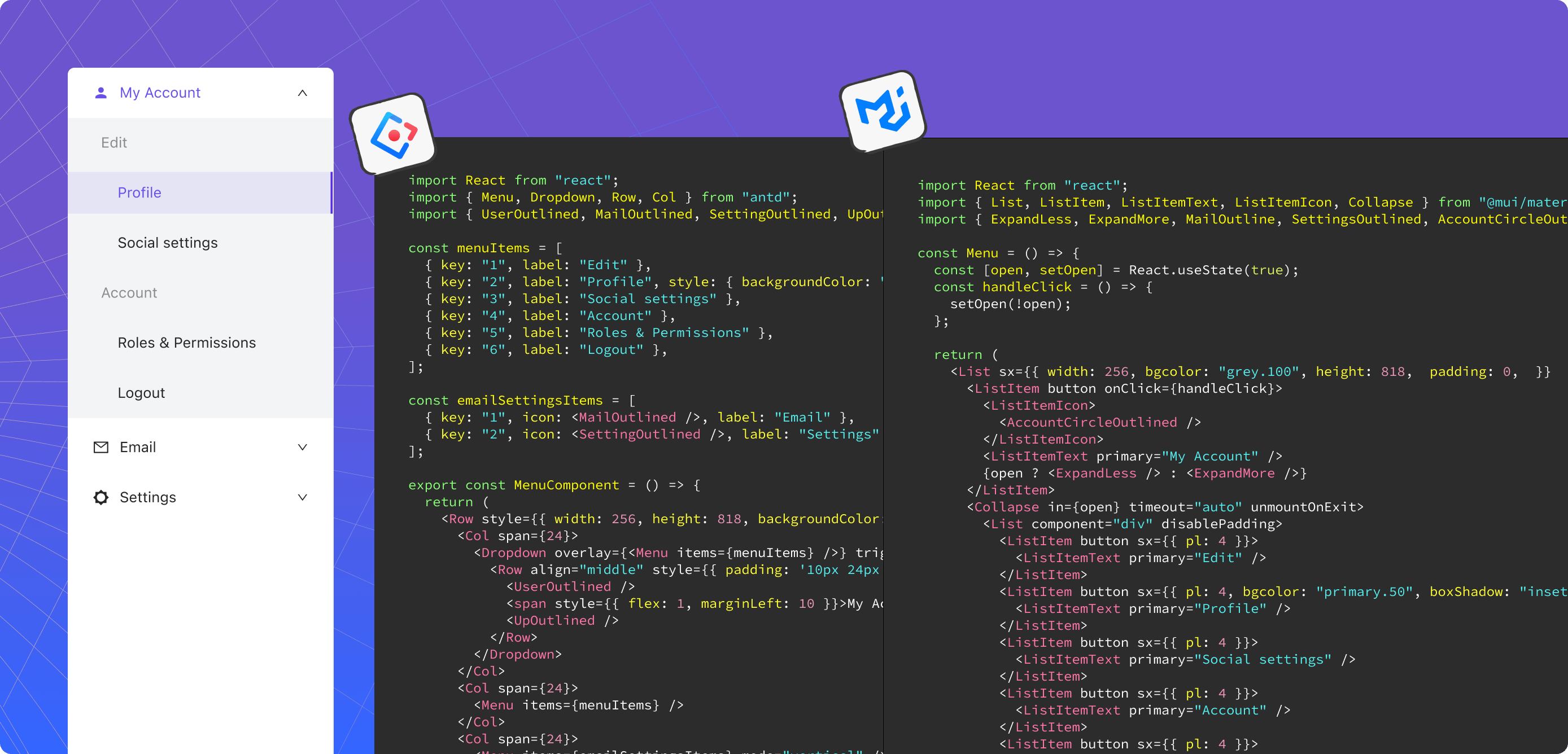
Reading Time: 3 minutesAnima's bringing live UI components into Figma—from the same open-source React libraries developers use in production. Now you can ship new products faster, with minimal investment.
Reading Time: 4 minutesAnima can now automatically generate Flexbox responsive code based on constraints taken directly from your Figma, Adobe XD, or Sketch file
Reading Time: 3 minutesA step-by-step guide on how to create responsive prototypes with Figma and Anima
Reading Time: 2 minutesAnima's bringing ready-to-use React components into Figma—from the same open source libraries developers use in production. Now you can launch better apps, faster, with fewer resources.
Reading Time: 2 minutesSave serious development time by designing with ready-made, responsive dashboards built from the best open source components.
Reading Time: 2 minutesSave dozens of development hours by using ready-made, reusable, and responsive data visualizations.
Reading Time: 3 minutesNo more fake and workarounds. Create actual parallax scroll animation inside Adobe XD
Reading Time: 2 minutesPrototyping with Anima Tip #4 out of 5
Reading Time: 8 minutesThe top 4 reasons resolutions never stick by the experts and one resolution we know you’ll be sticking to
Reading Time: 3 minutesYou can now translate designs from Sketch, Adobe XD, and Figma into Vue.js
Reading Time: 3 minutesHelping developers easily recognize the building blocks of designs, automatically generating them to CSS
Reading Time: 2 minutesScan a QR code and preview your designs on a mobile device to see how they look and feel on an actual device
Reading Time: 3 minutesDownload React components; group layers; convert to image, and code quality improvements