logo
  • Solutions
    • Figma
    • API
    • Web to code extension
    • Adobe XD
  • Resources
    • Blog
    • Documentation
    • Anima Forum
    • Help Center
  • Community
    • Discord
    • Twitter
    • GitHub
  • Pricing
  • Start free
  • Login
  • Languages

Anima Blog

  • Solutions
    • Figma
    • API
    • Web to code extension
    • Adobe XD
  • Resources
    • Blog
    • Documentation
    • Anima Forum
    • Help Center
  • Community
    • Discord
    • Twitter
    • GitHub
  • Pricing
  • Start free
  • Login
  • Languages
  • Solutions
    • Figma
    • API
    • Web to code extension
    • Adobe XD
  • Resources
    • Blog
    • Documentation
    • Anima Forum
    • Help Center
  • Community
    • Discord
    • Twitter
    • GitHub
  • Pricing
  • Start free
  • Login
  • Languages
LogIn
  • All
  • AI
  • AI Design
  • Design
  • Vibe Coding
  • Subscribe
From Claude Design to Figma
AI AI Design Design Vibe Coding

Claude Design’ten Figma’e nasıl geçilir

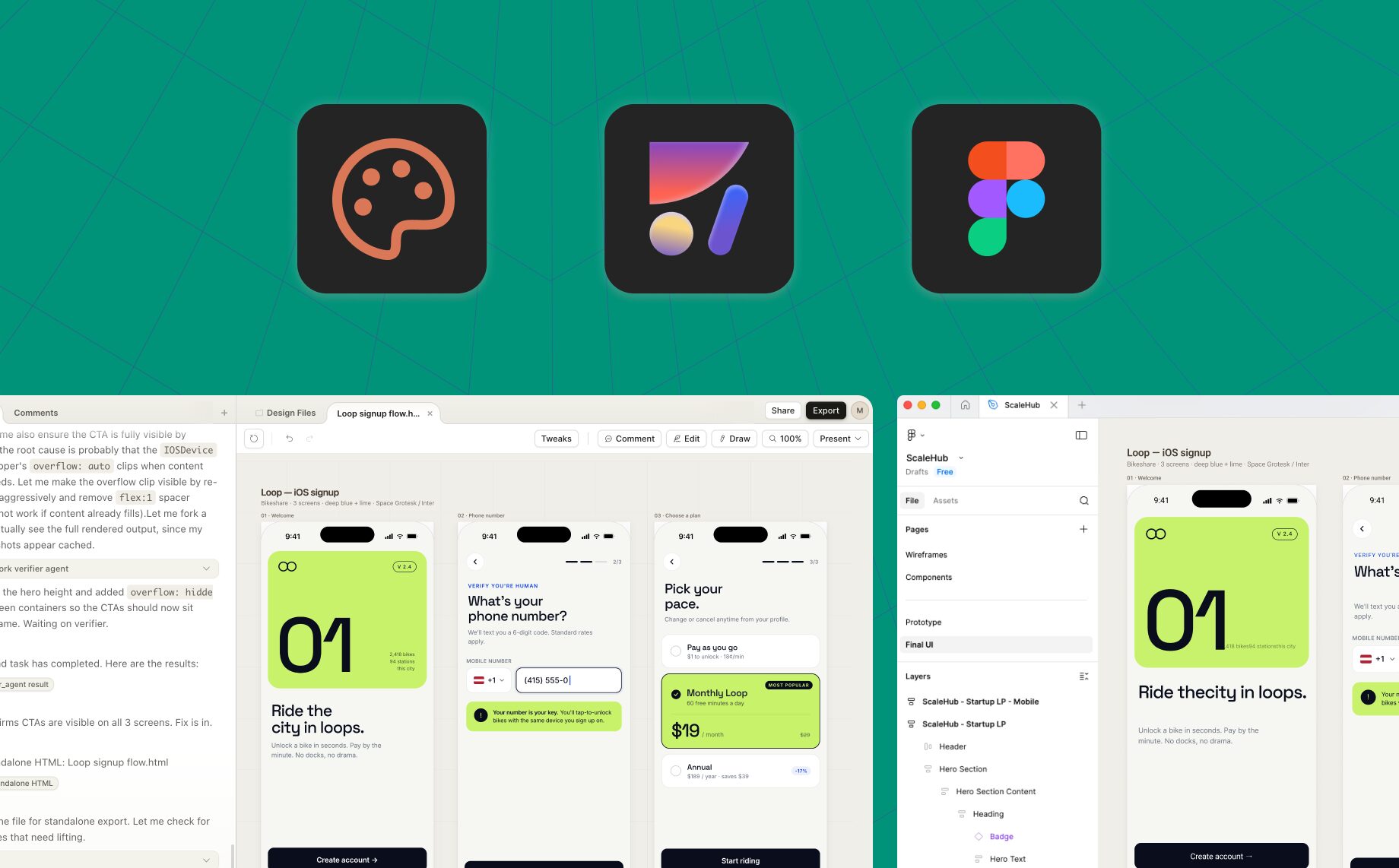
Reading Time: 3 minutesClaude Design, Anthropic tarafından yapay zeka ile tasarım yapmanın yeni bir yoludur. Anima Figma aracısı, profesyonel tasarımcıların Claude Design'ten Figma'e geçmesine ve Canva'ler üzerinde çalışmaya devam etmesine olanak tanır.

Michal Cohen
Temmuz 5, 2026 3 min

Son Yazılar

  • Claude Design’ten Figma’e nasıl geçilir

Son yorumlar

    Kategoriler

    • AI
    • AI Design
    • Design
    • Vibe Coding

    Üst veri

    • Oturum aç
    • Kayıt akışı
    • Yorum akışı
    • WordPress.org
    We help product teams deliver the best version of their vision.
    • facebook
    • twitter
    • youtube
    • linkedin
    • figma

    Privacy & Terms of Use

    © 2025 Anima | All rights reserved.

    Copyright ©2026 Anima Blog

    Neori theme, designed by litMotion Templates

    12654