 Figma
Figma API
API Web to code extension
 Adobe XD
 Discord
 Twitter
 GitHub


 Blog
Blog
Vibe Code With Your Figma Design System5 min read
Reading Time: 4 minutesAnima’s UX design agent excels in design-aware vibe coding. Product teams use Anima to design and ideate on UI that actually looks like their product: high visual consistency, not generic, not AI slop, just on-brand vibe coding.
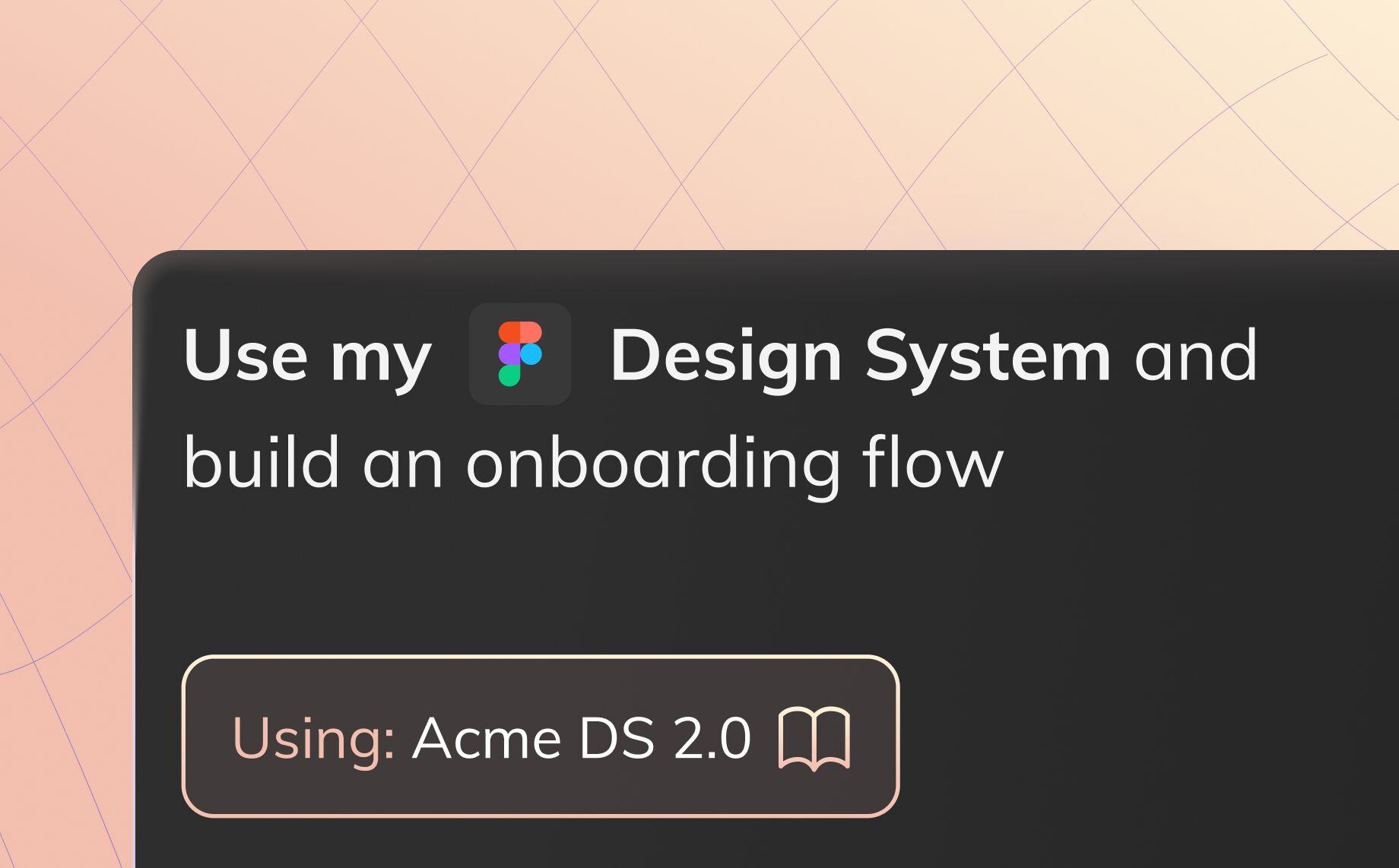
Now Anima supports vibe coding with your Figma design system: your components, design tokens, UX guidelines, and visual language.
Early access for businesses is starting now. Talk to us to discuss your needs and get access.
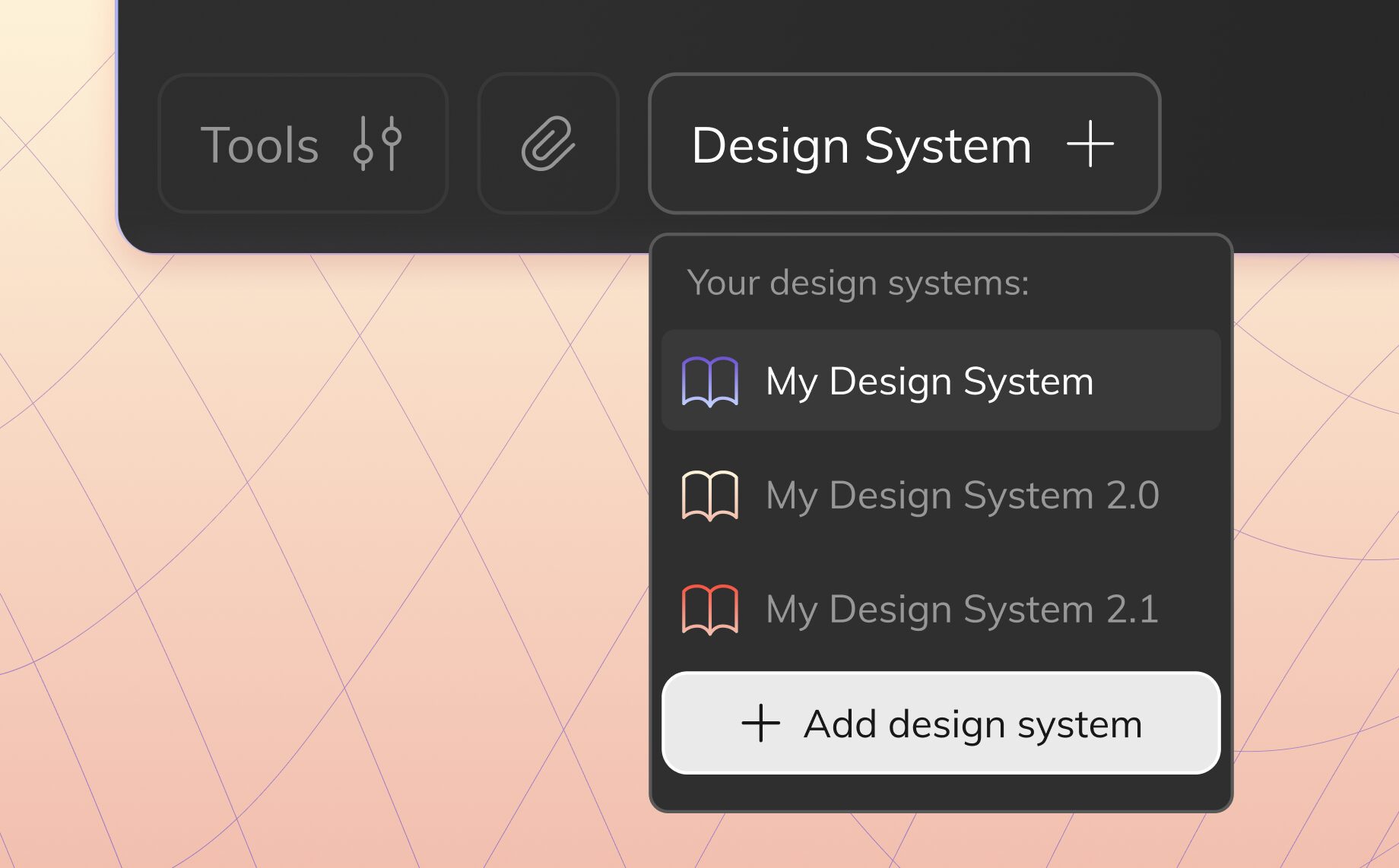
How to vibe code with your Figma design system
-
Share your Figma design system with Anima
Share your Figma DS with Anima. Whether you have 50 components or 500, Anima can ingest it. For many teams, Figma files are easier to share than code packages from a compliance perspective.
-
Anima generates a code design system with documentation
Anima pulls in your components, variants, properties, and styles directly from Figma into an Anima Playground.
-
Figma components become real, interactive code
Anima converts your Figma designs into interactive React components and creates a full npm package for the Anima agent to use later.
Storybook documentation is generated for every component, including variants, states, props, and controls.
-
Update and iterate on the system
Bring in new components and updates, or vibe code improvements to make components more robust. The design system stays shared across the team.
-
Vibe code with your design system
When prompting in Anima, you can select any design system available to your Anima team. Anima’s agent then generates a code project that follows your design system and visual language.
-
Share internally or publicly
Anima was built for teams. Logged-in team members can share projects privately, and you can also publish full-screen public links when needed.
-
Hand off to coding agents or download the code
Claude Code, Cursor, GitHub Copilot, and OpenClaw can read Anima Playground links via Anima MCP and continue from there. You can also download the code directly.
-
Go back to Figma when needed
Anima also lets you copy your creations back to Figma for further refinement.
Who this is for
- Design system teams who spent months building a Figma DS and want the rest of the organization to use it while ideating with AI.
- Product managers who want to prototype quickly without breaking the brand, then share and hand off to engineering or back to design.
- Engineers who want to compose new screens in a Playground, gather feedback, and then pull the work into Claude Code or Cursor.
- Design leads looking for vibe coding solutions that preserve visual consistency across the organization.
- Cross-functional teams including marketing, sales, and leadership, who want to go from idea to on-brand prototype without waiting for a designer or developer.
AI should know your Figma design system
Every professional team we talk to about vibe coding shares the same pain: they can ideate 100x faster with AI, and non-designers suddenly have superpowers, but the output is often generic UI that does not speak the brand language.
If everyone in the organization is ideating, then everyone should be a customer of the design system. Professional vibe coding platforms need to work with that system.
Teams have already invested heavily in building robust design systems in Figma: components, variants, design tokens, and UX guidelines. That system is the product’s visual language. In a world of AI-assisted design, you need AI that speaks it.
Teams also tell us they want AI-generated UI, but they cannot share their code design system outside the organization. Compliance will not allow it. With Anima, the entry point can be Figma instead of code, so there is no need to expose your codebase.
Your compliance team might actually approve this
If you have ever tried getting an AI tool approved at a large organization, you know the process: security review, vendor assessment, and questions about whether the tool can access your codebase. Then the project stalls in procurement for months.
Anima was built around that reality. You can start from Figma, not only from code. Figma files are already shared across departments, agencies, and contractors, and in many cases that workflow is already approved internally.
You share your Figma design system, not your codebase. Your code does not leave your environment, and you avoid introducing a new code-access risk.
Vibe design with AI and hand off code
Prompt anything and get on-brand UI. Anyone on your team can generate new screens, flows, and experiences while staying aligned with the brand.
Start from a prompt, a flowchart, or a screenshot of a legacy system you need to modernize. Anima composes the result using your design system and visual language.
Then hand it off to developers or agents through Anima MCP. Claude Code, OpenAI Codex, GitHub Copilot, and Cursor can continue from the Anima Playground where your team left off.
The design system is also a vibe-coding playground
A design system is never static. Teams update components all the time.
With Anima, you can add new components from Figma or update existing ones. The coded library and the agent documentation update with them.
You can also extend the design system through vibe coding: test new patterns, explore new layouts, and push what works back into the team’s shared system.
Modernize legacy UI in days, not quarters
We have talked to teams running design system migrations inside large enterprises, with tens of apps and hundreds of screens that need to move from a legacy system to a new design system.
The old way takes months of manual design work. Designers rebuild every screen in Figma, and engineers re-implement every screen in code. It can take quarters, sometimes years.
With Anima, you ingest the new design system from Figma, point the agent at legacy screens, generate coded prototypes using the new components, and hand off to your coding agent via MCP for final implementation.
That means days to redesign with Anima, and weeks to implement with coding agents connected to the same workflow.
Get early access
Design systems in Anima are now open for business accounts.
Talk to us to discuss your needs and get early access.