 Figma
Figma API
API Web to code extension
 Adobe XD
 Discord
 Twitter
 GitHub


 Blog
Blog
What Is Claude Design? Features, Pricing & How It Works (2026)11 min read
Reading Time: 8 minutes
Claude Design is Anthropic’s AI design workspace for creating prototypes, visuals, presentations, one-pagers, and interactive concepts through conversation. You describe what you want, add files or product context, and refine the result through chat and direct on-canvas editing. It is available in beta on paid Claude Pro, Max, Team, and Enterprise plans. You can use it at claude.ai/design, within Claude conversations and Artifacts, alongside Claude Code, and for mobile viewing.
Claude Design is built for fast visual creation, not as a complete replacement for Figma or a software development environment. It can import design systems and codebases, then export work as zip, PDF, PPTX, standalone HTML, or through supported connectors. It does not currently offer native Figma export, version history, or advanced multiplayer editing.
Claude Design at a glance
| Question | Answer |
|---|---|
| What is it? | An AI design workspace from Anthropic for generating and editing visual artifacts |
| Where can I use it? | claude.ai/design, Claude conversations, Artifacts, Claude Code workflows, and mobile viewing |
| Who can use it? | Claude Pro, Max, Team, and Enterprise subscribers |
| Current status | Beta |
| What can it create? | Prototypes, UI concepts, slides, one-pagers, visuals, and interactive experiences |
| What can it export? | Zip, PDF, PPTX, standalone HTML, and supported connectors |
| Key limitations | No native Figma export, basic multi-person editing, and no version history |
Where to access Claude Design
The most direct entry point is the standalone workspace at claude.ai/design. Claude Design can also be used from Claude conversations and Artifacts, connected to Claude Code workflows, and viewed on mobile.
Availability can depend on workspace settings. Team and Enterprise users may need an administrator to enable the product or approve connected resources. If the Design option is missing, check the account plan and organization controls first.
Claude Design plans and pricing
Claude Design is included in paid Claude Pro, Max, Team, and Enterprise plans. It is not positioned as a separate free product. Usage counts against the limits and policies of the relevant Claude plan, so the practical capacity varies by subscription and organization.
Because plan details and usage limits can change, check Anthropic’s current Claude Design help documentation before purchasing a plan for a specific workload.
What can Claude Design create?
Claude Design creates visual and interactive artifacts from prompts and supporting context. Typical outputs include:
- Product wireframes and app screens
- Landing-page and website concepts
- Interactive prototypes
- Pitch decks and presentations
- One-pagers and reports
- Marketing and social visuals
- Dashboards and internal-tool concepts
The product is most useful when a team needs to make an idea visible quickly. A product manager can turn a brief into a prototype, a founder can build a pitch narrative, and a designer can explore multiple directions before moving into detailed production work.
How Claude Design works
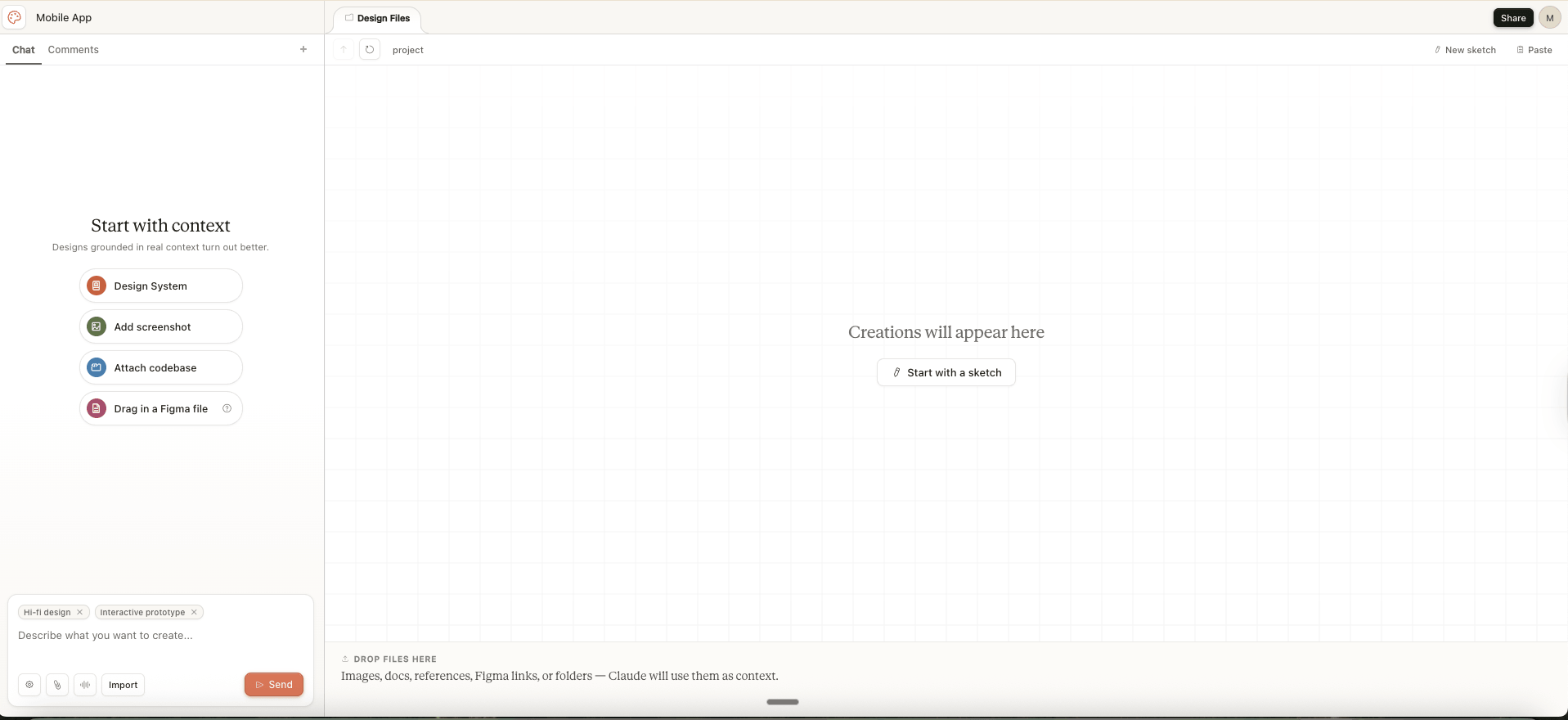
The core workflow is a conversation connected to a design canvas:
- Open Claude Design. Start at the standalone workspace or enter from a supported Claude surface.
- Choose the output. Describe the prototype, presentation, visual, or concept you need.
- Add context. Attach screenshots, documents, images, a codebase, or design-system materials.
- Generate a first version. Include the audience, content, device, brand direction, and desired interactions in the prompt.
- Refine the result. Use chat for broad changes and direct on-canvas editing for targeted adjustments.
- Share, export, or hand off. Select the format or connected workflow that fits the next owner.
The first generation is usually a draft. More specific content and constraints produce a more useful result, and the main value comes from the iteration loop rather than a single prompt.
Claude Design exports and handoff
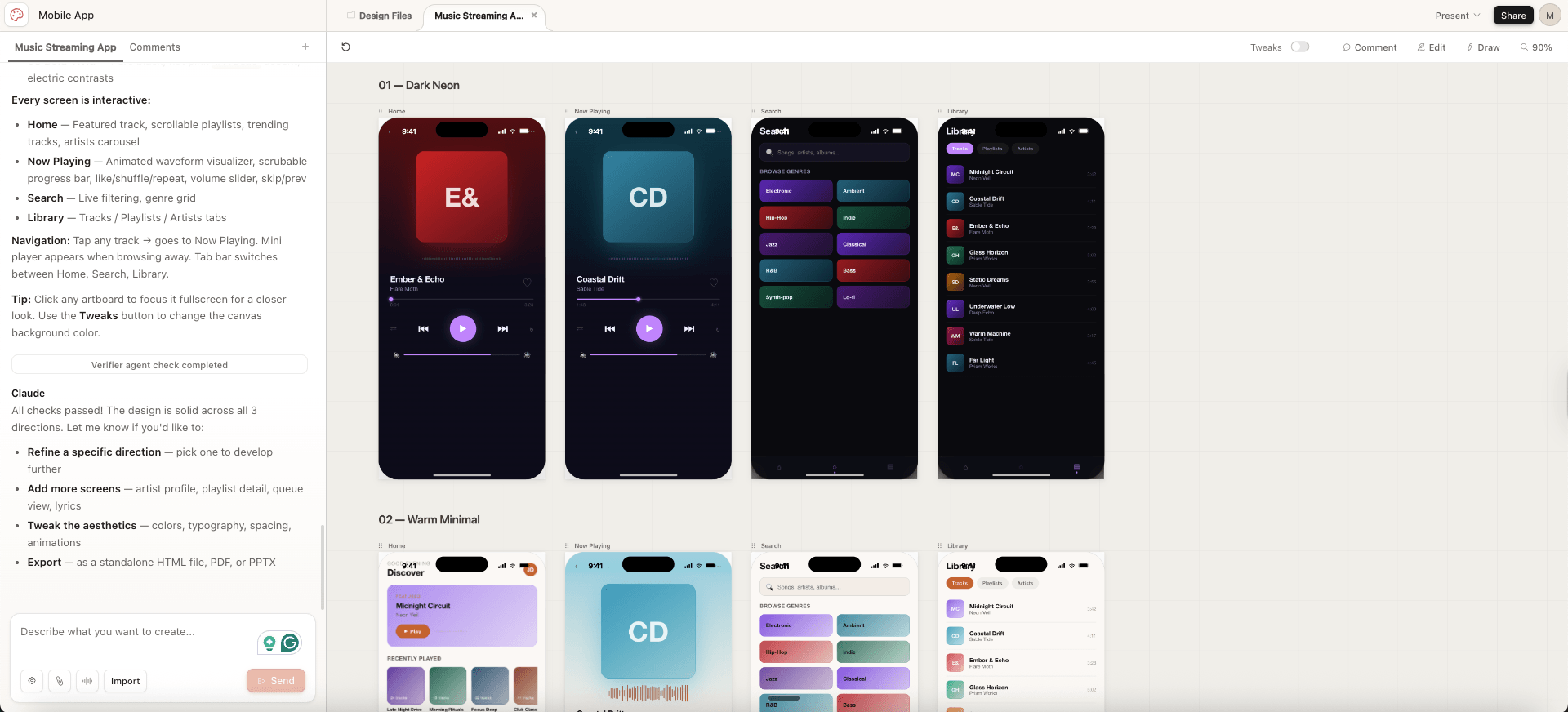
Claude Design supports several ways to move work beyond the canvas:
- Zip: Package project files for download or continuation.
- PDF: Share a fixed document for review or distribution.
- PPTX: Continue presentation work in compatible slide software.
- Standalone HTML: Open or host a self-contained web artifact.
- Connectors: Send work through supported third-party destinations.
- Claude Code: Continue from the visual concept into an implementation workflow.
Connector availability can change. Check the current export menu if a specific destination is essential.
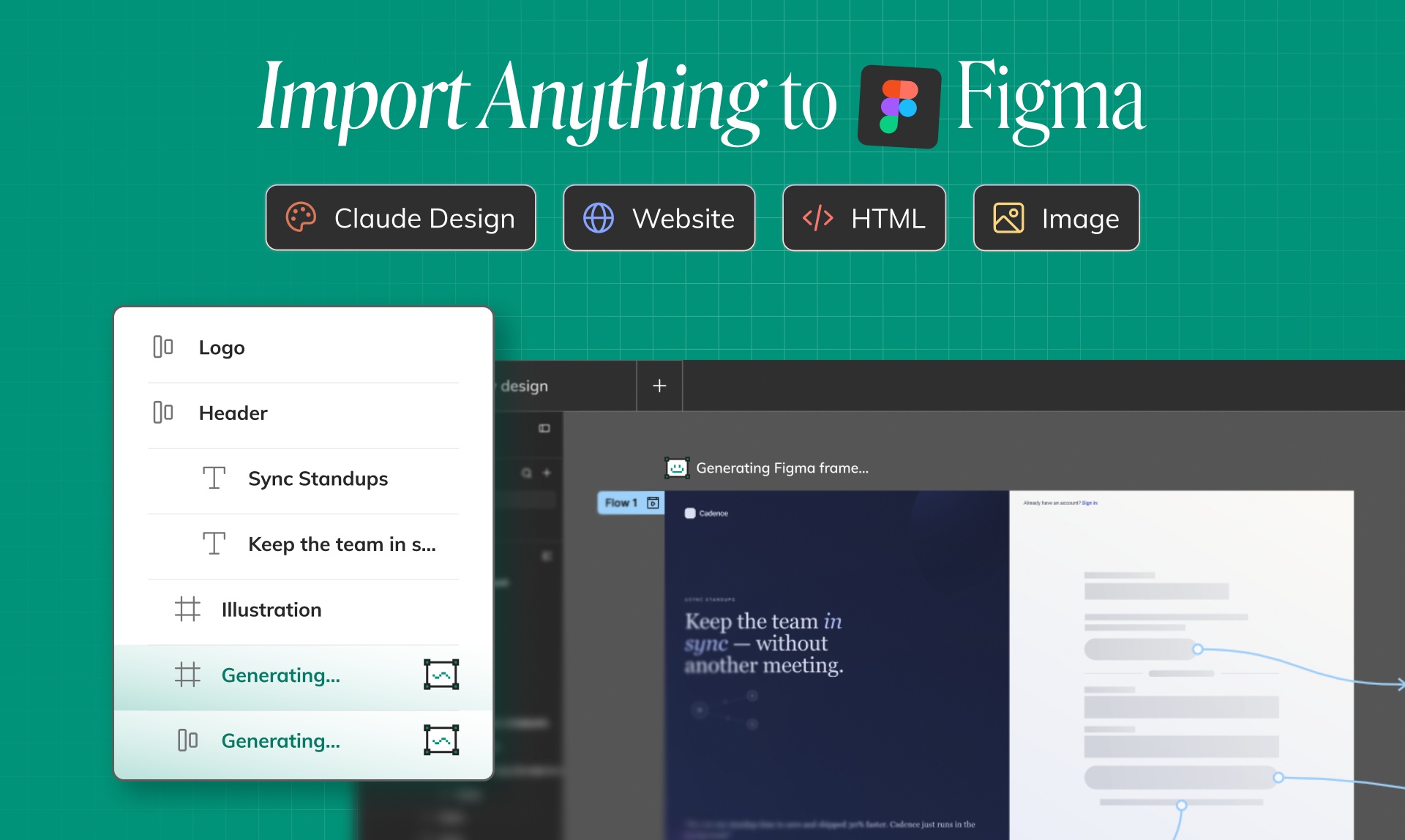
Claude Design does not have a native Figma export. If a designer needs editable Figma layers, use a separate conversion workflow. Anima’s guide shows how to move from Claude Design to Figma.
How Claude Design uses design systems
Claude Design can import codebases and design-system materials, then use that context when generating new work. This can include brand colors, typography, components, layout patterns, and product conventions. The goal is to create output that resembles the existing product instead of a generic AI template.
For the best results, provide a current and well-organized source. Name important components, explain where each pattern should be used, and include representative screens. A design-system import gives Claude context, but it does not turn the canvas into a native Figma library with variants, variables, and file-level governance.
Current Claude Design limitations
- No native Figma export: Teams need a separate bridge to continue with editable Figma layers.
- Basic multi-person editing: Collaboration exists, but it is not as mature as dedicated multiplayer design tools.
- No version history: There is no built-in timeline for reviewing or restoring earlier versions.
- Context-dependent quality: Brand and design-system fidelity depend on the source files and instructions supplied.
- Not a full development environment: Interactive concepts can communicate behavior, but application engineering belongs in Claude Code or another development workflow.
- Not a complete Figma replacement: Native component authoring, variants, detailed layer operations, and established design-file workflows remain stronger in Figma.
These limits do not make Claude Design unsuitable. They define where the product fits: early visual definition, rapid iteration, and communication before specialized design or development work takes over.
Claude Design vs Claude Code
| Area | Claude Design | Claude Code |
|---|---|---|
| Primary purpose | Create and edit visual concepts | Build and modify software |
| Main working surface | Conversation and canvas | Repository and coding environment |
| Typical outputs | Prototypes, slides, visual assets, one-pagers | Application code, tests, fixes, and repository changes |
| Best stage | Visual definition and stakeholder alignment | Implementation and engineering |
Claude Design and Claude Code are complementary. Use Claude Design to decide what the experience should communicate and how it should look. Use Claude Code when the work needs application logic, repository integration, testing, and maintainable implementation.
Claude Design product milestones
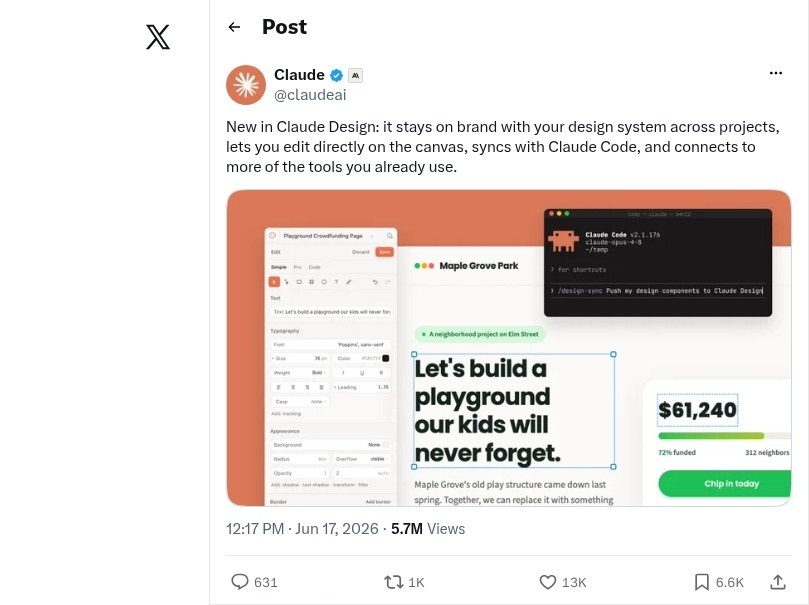
Claude Design was introduced as a conversation-to-canvas product and later expanded with stronger brand context, direct editing, Claude Code continuity, and connected workflows. The following source captures remain useful records of that evolution.
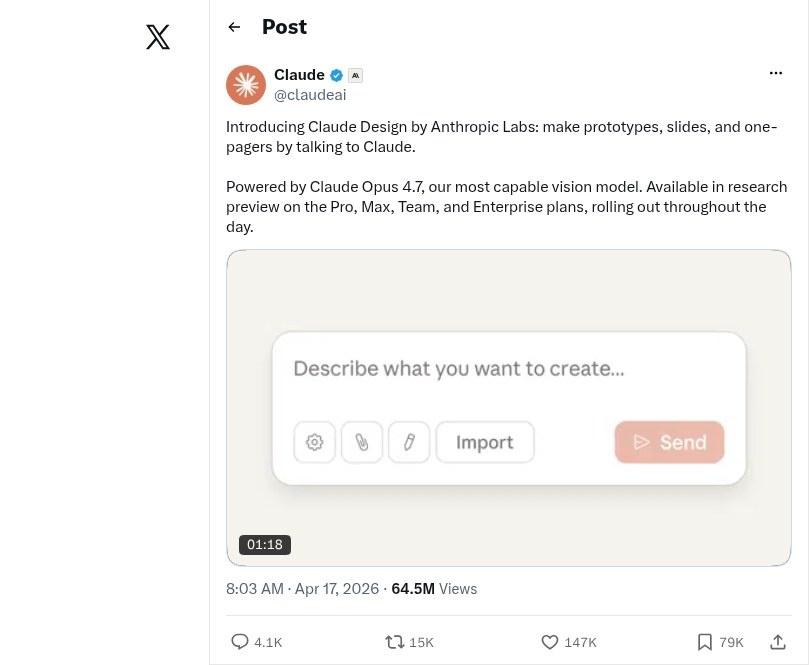
Introducing Claude Design by Anthropic Labs: make prototypes, slides, and one-pagers by talking to Claude. Powered by Claude Opus 4.7, our most capable vision model. Available in research preview on the Pro, Max, Team, and Enterprise plans, rolling out throughout the day.
– Claude (@claudeai), Apr 17, 2026 · post
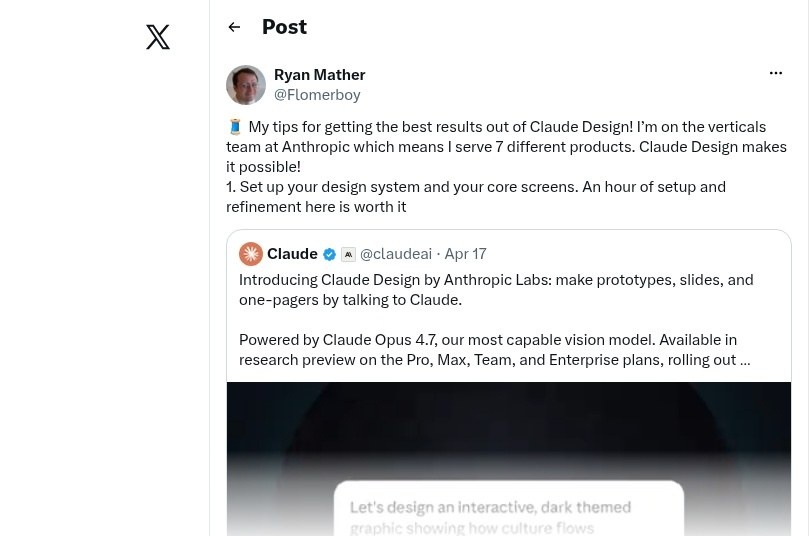
My tips for getting the best results out of Claude Design! I’m on the verticals team at Anthropic which means I serve 7 different products. Claude Design makes it possible! 1. Set up your design system and your core screens. An hour of setup and refinement here is worth it
– Ryan Mather (@Flomerboy), Apr 17, 2026 · post
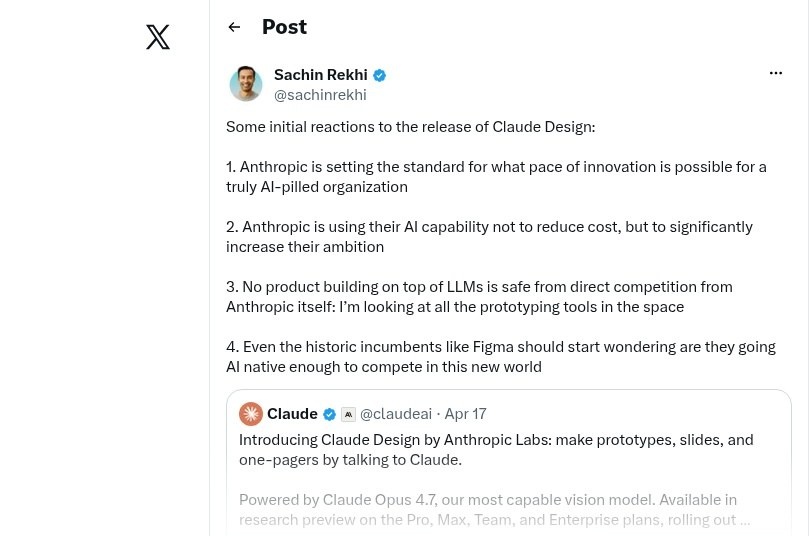
These launch-era sources describe the product at that time. Current plan, feature, model, and export details should be taken from the live Claude Design product and help documentation.
Brief Claude Design alternatives
If Claude Design does not match the next step in your workflow, consider:
- Anima Playground: For code-connected, brand-aware prototypes and apps that start from prompt, Figma, image, or URL.
- Buddy by Anima: For an AI design agent that works directly with editable layers, components, variables, and tokens in Figma.
- Figma: For mature product design, multiplayer collaboration, design systems, and version history.
- Google Stitch: For AI-assisted UI ideation in Google’s ecosystem.
- UX Pilot: For UX flows, planning, wireframes, and research-oriented artifacts.
For evaluation criteria, pros and cons, scorecards, and a fuller comparison, read the complete Claude Design review and alternatives guide.
What to do after creating a Claude Design project
The next step depends on the owner and output:
- Continue implementation in Claude Code when developers own the next phase.
- Move into Figma when designers need native layers, components, and detailed refinement.
- Use Anima Playground when the concept needs to become an interactive, code-connected prototype or app.
- Export PDF or PPTX when the output is primarily a document or presentation.
- Export HTML or zip when you need portable project files.
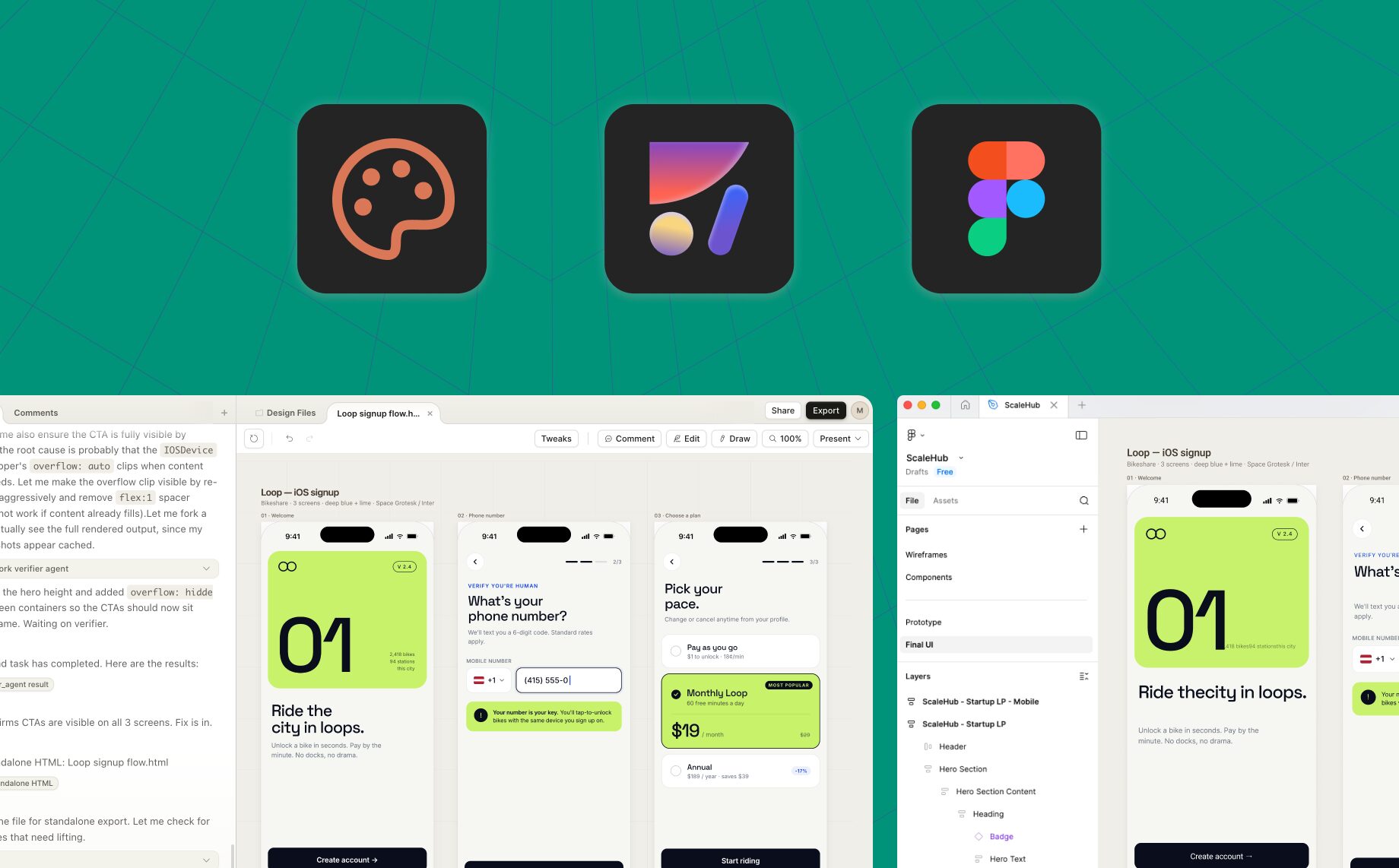
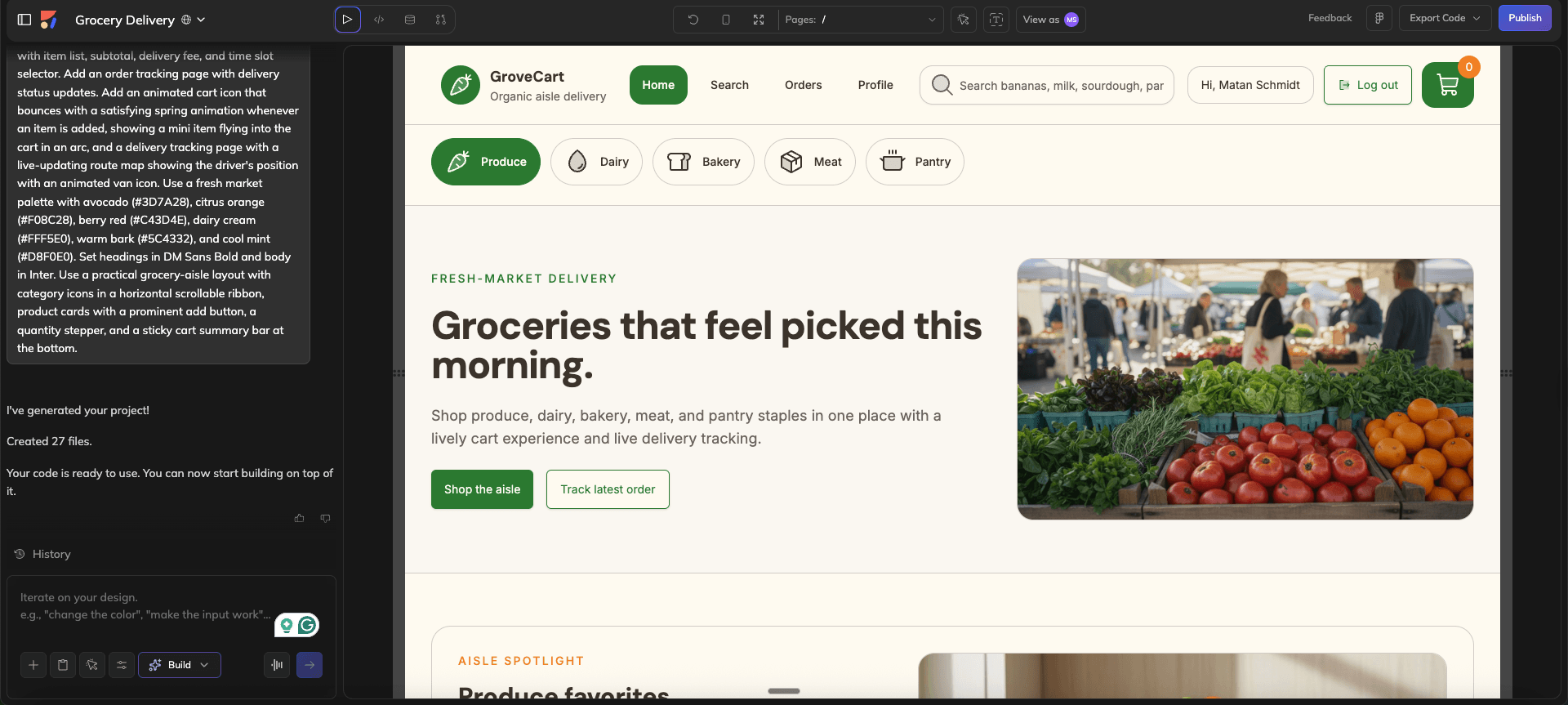
If the goal is a live site, see how to publish a website with Claude Design.
Optional shared-artifact workflows
Some teams also move exported HTML into a shared artifact workspace for cross-agent editing or publishing. That is a downstream workflow rather than a core Claude Design feature.

FAQ
Is Claude Design free?
No. Claude Design is available on paid Claude Pro, Max, Team, and Enterprise plans, subject to plan usage limits.
How do I open Claude Design?
Go to claude.ai/design or open Design from a supported Claude surface. Organization settings can affect availability for Team and Enterprise accounts.
Is Claude Design the same as Claude Artifacts?
No. Artifacts are outputs created beside a Claude conversation. Claude Design is a dedicated design workspace and workflow, though the two can be used together.
Can Claude Design replace Figma?
Not for most product design organizations. Claude Design is strong for prompt-based exploration and visual communication. Figma remains stronger for native component systems, detailed design-file work, advanced collaboration, and version history.
Can Claude Design export to Figma?
No. Claude Design does not currently offer native Figma export. Use a separate bridge if you need editable Figma layers.
Does Claude Design have version history?
No. Claude Design currently has no version history.
Can multiple people edit a Claude Design project?
Claude Design supports basic multi-person editing. Teams that need mature simultaneous collaboration, branching, or rollback should use a dedicated system of record for that work.
What does Claude Design export?
Claude Design can export zip, PDF, PPTX, and standalone HTML, and it supports connector-based destinations. Check the current interface for the latest connector list.
What is the difference between Claude Design and Claude Code?
Claude Design is for visual creation and refinement. Claude Code is for software implementation. They can be used in sequence, with a concept created in Claude Design and implemented through Claude Code.
What are the best Claude Design alternatives?
The answer depends on the task. Anima Playground fits code-connected prototypes and apps, Buddy fits native Figma work, Figma fits mature design collaboration, UX Pilot fits structured UX planning, and Google Stitch fits Google-native UI ideation. See the Claude Design review for a detailed comparison.