


cobi.bean


There’s a new one I found that actually seems like the first “Figma -> Code” plugin that works. It’s a
@ycombinator project too. It’s called @AnimaApp

Stay in Figma canvas and use AI to design and iterate.
No setup, no terminal, AI in your canvas.
Buddy is a Figma AI design agent, your UX Co-pilot, built for teams that want the speed of AI without leaving the canvas. Generate UI, edit screens, explore flows, and automate repetitive design work directly inside Figma using your real components, variables, Auto Layout, and design system.
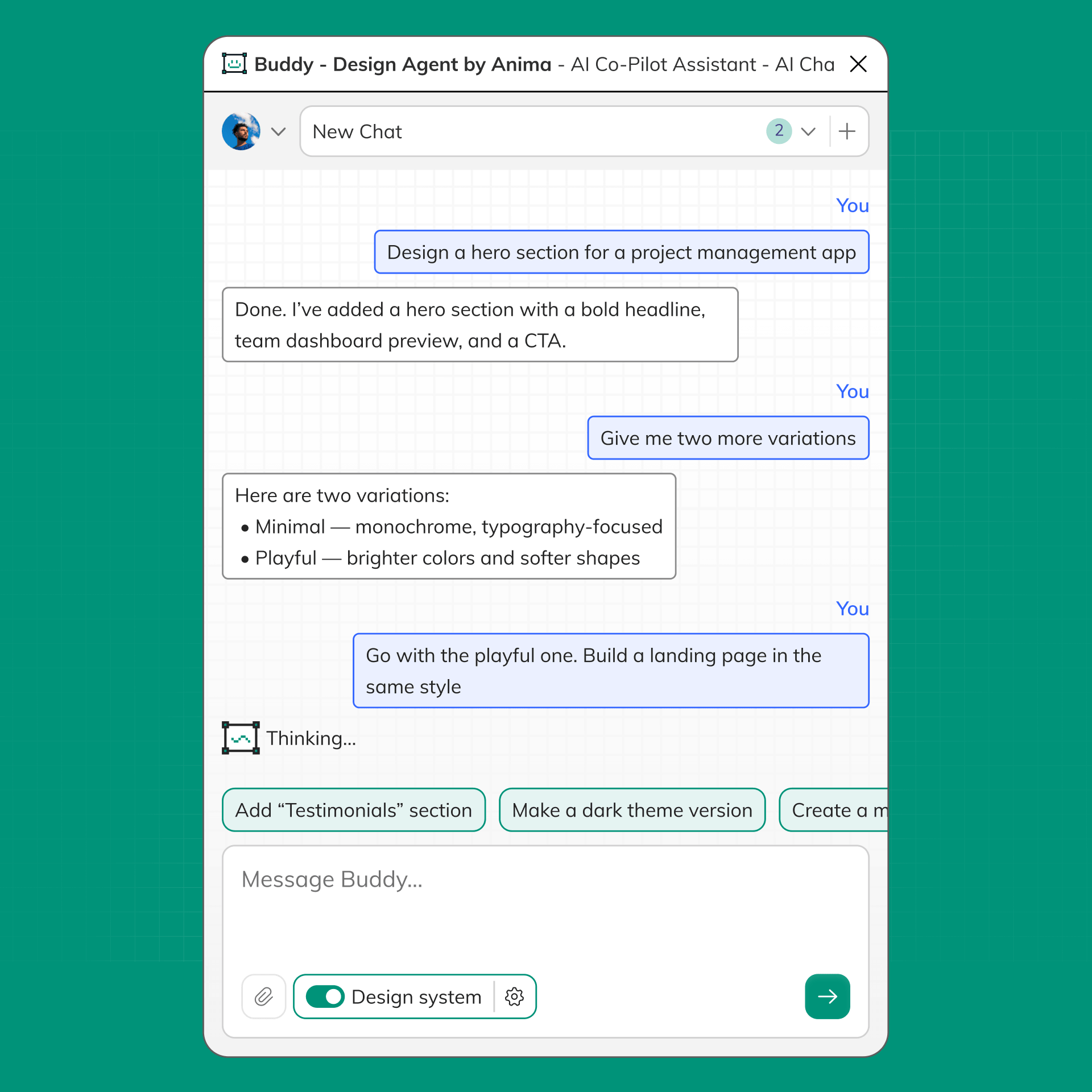
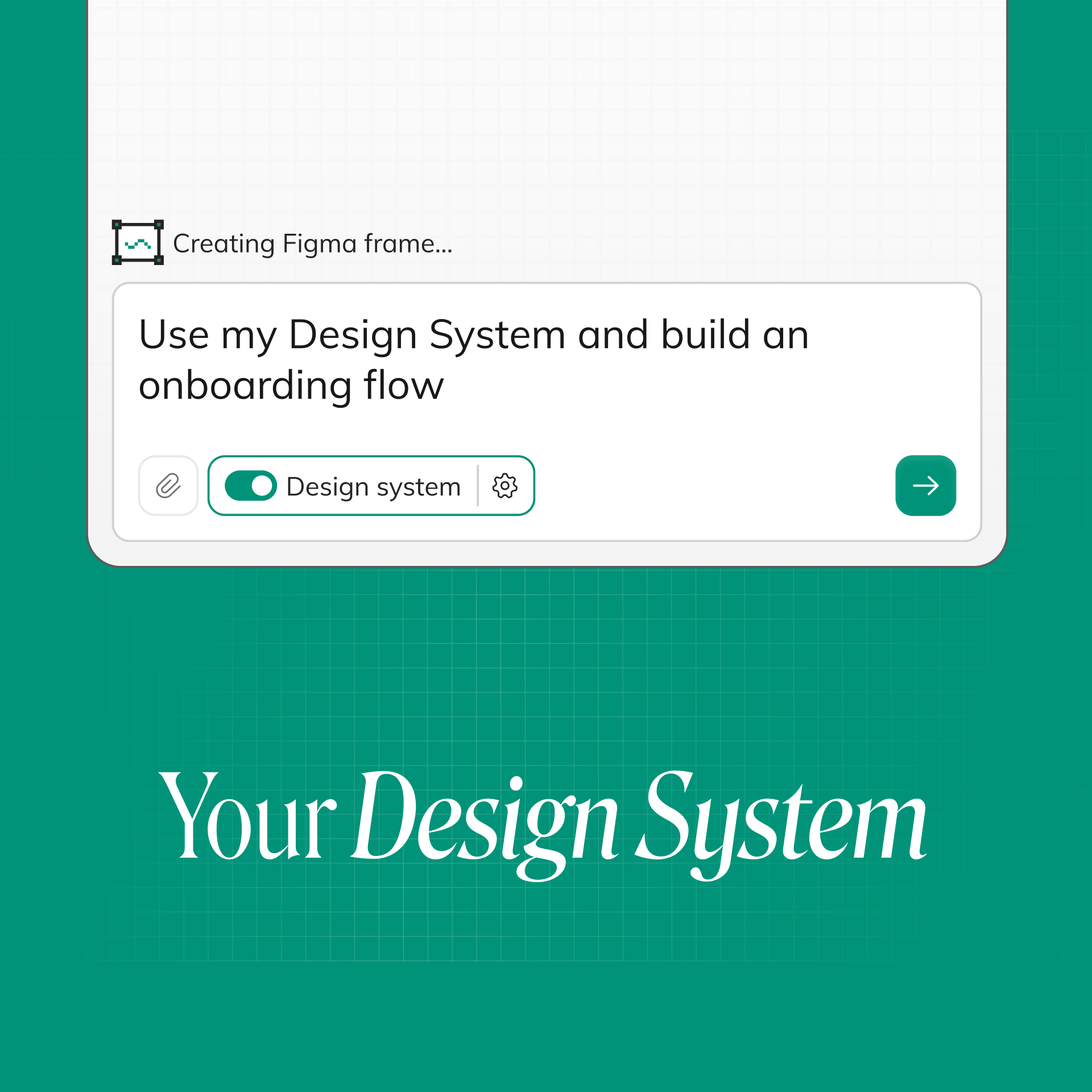
Buddy works on your canvas using your existing Figma design system, components, variables, typography, colors, and styles. Generate new screens and flows while staying aligned with your product’s visual language and brand.
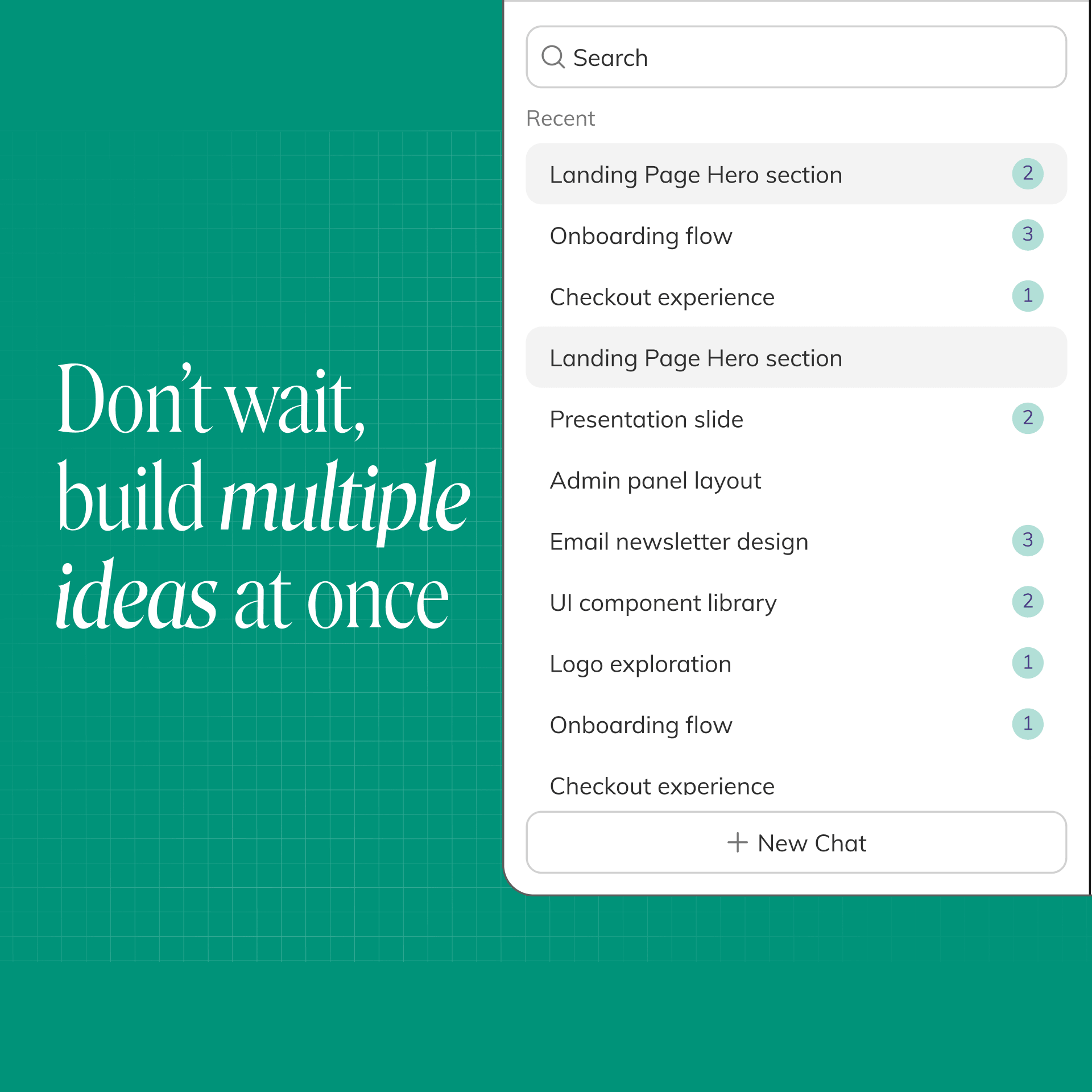
Buddy supports parallel AI chats, so you can explore multiple ideas, flows, and tasks at the same time. Generate a landing page variant in one chat, create a mobile version in another at the same time. Move faster, compare directions side-by-side, and let AI work across multiple design tasks in parallel inside the same Figma workflow.
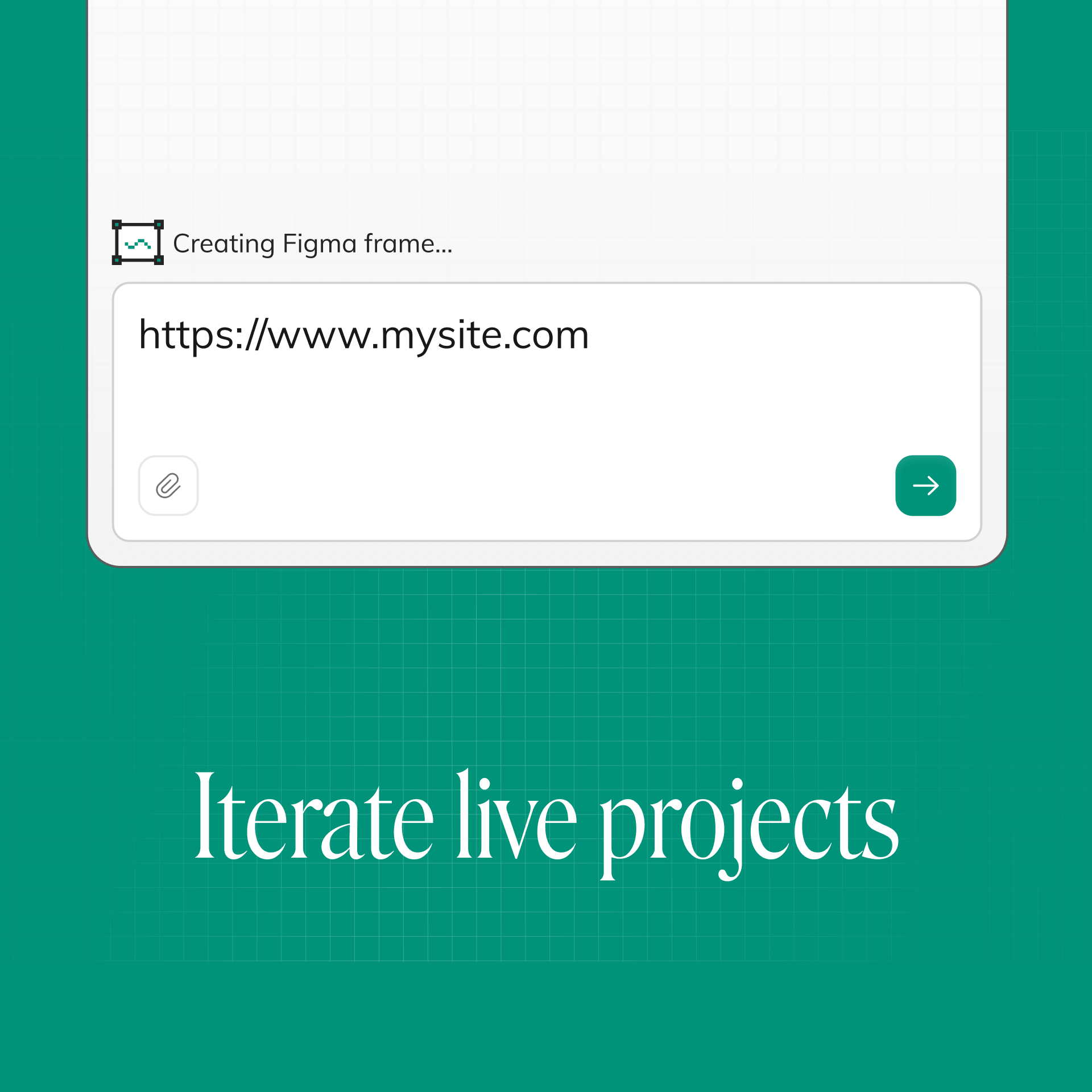
Turn live websites into editable Figma designs in seconds. Paste a public URL into the chat or drop an HTML file, and Buddy recreates the layout inside Figma with editable layers, sections, and components. Great for redesigns and iterating on existing products or pages that have no Figma yet.
Use Anima’s Figma-to-code workflow, turn your Figma designs into real apps and websites, and continue vibe coding beyond the pixels phase. Convert Figma screens into responsive React, HTML, or Tailwind code, and publish websites or export code.
There’s a new one I found that actually seems like the first “Figma -> Code” plugin that works. It’s a
@ycombinator project too. It’s called @AnimaApp

New @boltdotnew + @AnimaApp Figma to Code just got released. Spoiler: it’s the best tool by far right now.

Yes! Anima is the only one that works perfectly!

Anima Playground by @AnimaApp is the best alternative to lovable_dev 's Dev Mode
There’s a new one I found that actually seems like the first “Figma -> Code” plugin that works. It’s a
@ycombinator project too. It’s called @AnimaApp
New @boltdotnew + @AnimaApp Figma to Code just got released. Spoiler: it’s the best tool by far right now.
Yes! Anima is the only one that works perfectly!
Anima Playground by @AnimaApp is the best alternative to lovable_dev 's Dev Mode

Tools I use every day:
•ChatGPT/Claude for flows + content
•Figma (with @AnimaApp)

I tested a new Figma to Code tool by @AnimaApp which is the BEST design-to-code platform.

I tried out a few Figma plugins to export a single page to HTML and CSS.
The best one, which maintained the layout and provided the most accurate version for further improvement, was @AnimaApp
Tools I use every day:
•ChatGPT/Claude for flows + content
•Figma (with @AnimaApp)
I tested a new Figma to Code tool by @AnimaApp which is the BEST design-to-code platform.
I tried out a few Figma plugins to export a single page to HTML and CSS.
The best one, which maintained the layout and provided the most accurate version for further improvement, was @AnimaApp


