



cobi.bean


There’s a new one I found that actually seems like the first “Figma -> Code” plugin that works. It’s a
@ycombinator project too. It’s called @AnimaApp

Turn Figma to HTML Code and refine with AI.
Export clean HTML/CSS code or publish instantly.
With Anima, you can inspect code directly in Figma, or, handoff a live Playground link, a full code package with assets.
HTML/CSS, React/Tailwind, and more.

Simply paste a Figma link, or start with the plugin to turn Figma to HTML. Anima Playground will run your code instantly. Edit with AI and share securely with the team.
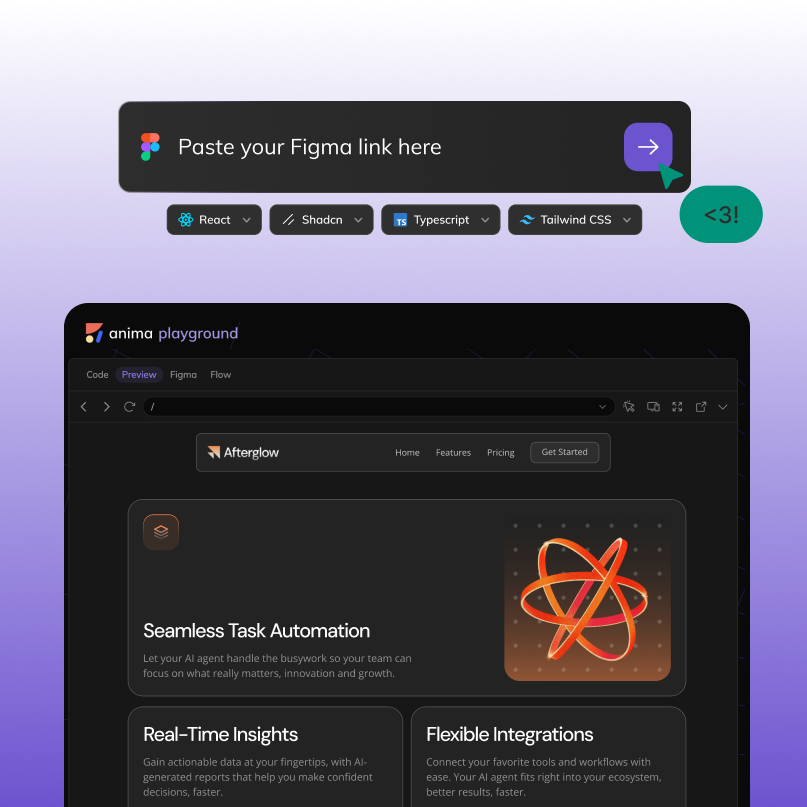
Start with your Figma, a prompt, or an image. Anima playground allows you to code with AI with your branded components, layouts, and styles. Stay consistent, move faster, and bring your ideas to life.
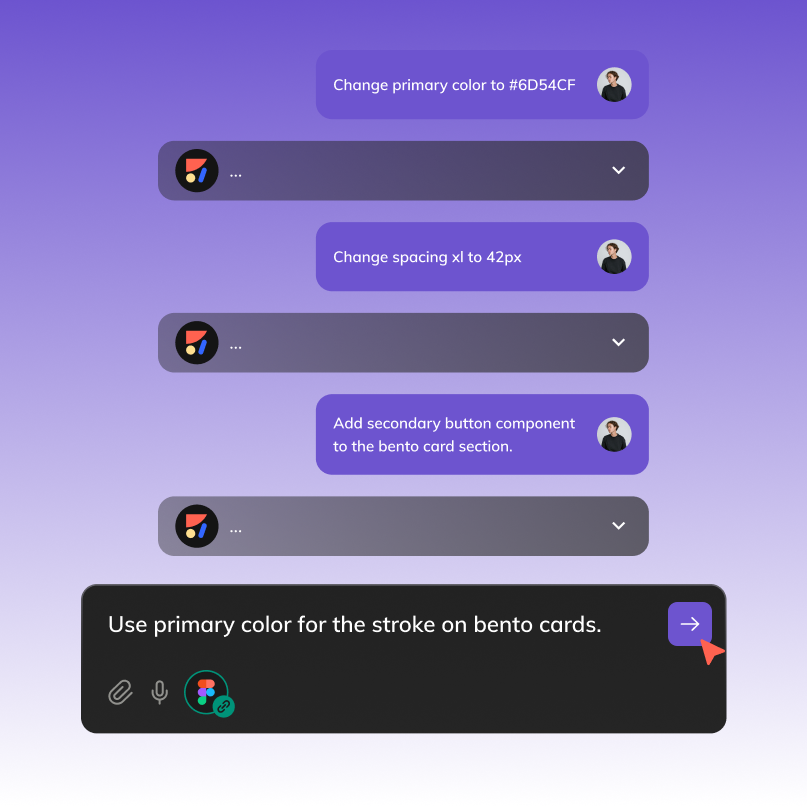
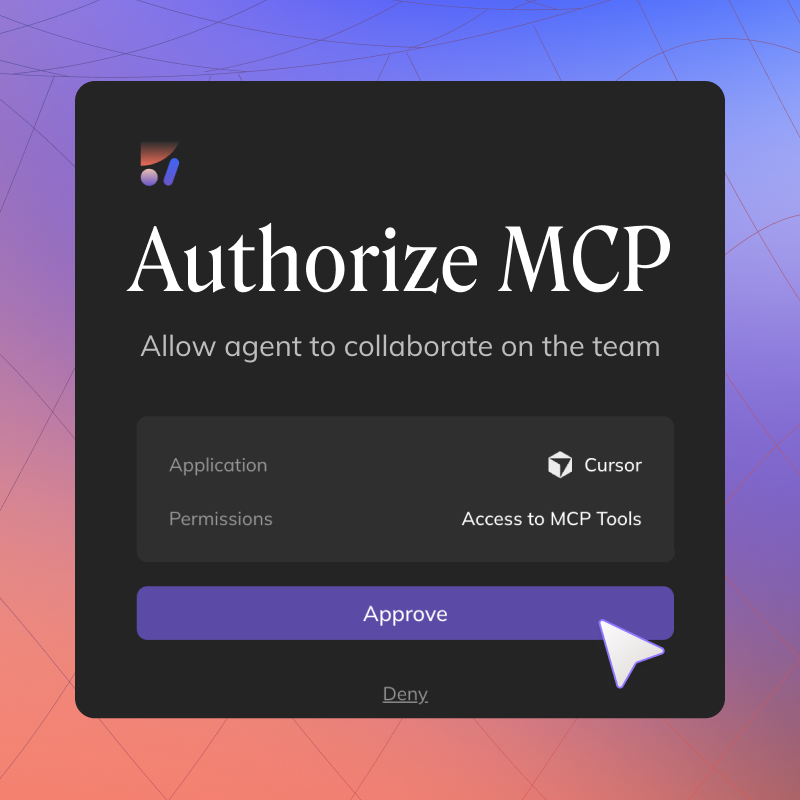
Anima plays well with Claude Code, Curser, Codex, OpenClaw, Hermes, and any other agent. Agents could read and write to Anima playground via MCP.
Build and launch live websites right from Figma, with complete creative freedom, and no coding required. Anima empowers designers to bring their ideas to life without relying on developers for every iteration.


There’s a new one I found that actually seems like the first “Figma -> Code” plugin that works. It’s a
@ycombinator project too. It’s called @AnimaApp

New @boltdotnew + @AnimaApp Figma to Code just got released. Spoiler: it’s the best tool by far right now.

Yes! Anima is the only one that works perfectly!

Anima Playground by @AnimaApp is the best alternative to lovable_dev 's Dev Mode
There’s a new one I found that actually seems like the first “Figma -> Code” plugin that works. It’s a
@ycombinator project too. It’s called @AnimaApp
New @boltdotnew + @AnimaApp Figma to Code just got released. Spoiler: it’s the best tool by far right now.
Yes! Anima is the only one that works perfectly!
Anima Playground by @AnimaApp is the best alternative to lovable_dev 's Dev Mode

Tools I use every day:
•ChatGPT/Claude for flows + content
•Figma (with @AnimaApp)

I tested a new Figma to Code tool by @AnimaApp which is the BEST design-to-code platform.

I tried out a few Figma plugins to export a single page to HTML and CSS.
The best one, which maintained the layout and provided the most accurate version for further improvement, was @AnimaApp
Tools I use every day:
•ChatGPT/Claude for flows + content
•Figma (with @AnimaApp)
I tested a new Figma to Code tool by @AnimaApp which is the BEST design-to-code platform.
I tried out a few Figma plugins to export a single page to HTML and CSS.
The best one, which maintained the layout and provided the most accurate version for further improvement, was @AnimaApp
Yes!
Seamlessly convert your Figma designs into email-compatible HTML. Anima's Figma to Email HTML feature ensures that your email designs are translated into responsive, well-structured code that works across all major email clients. This feature is perfect for marketing teams looking to streamline the design-to-email process, reducing the need for manual coding and ensuring consistency in brand messaging. Read How to convert Figma email design into HTML email
Yes! Anima can generate React with Tailwind classes based on the Figma design attributes (colors, spacing, and typography and more). Read more
Absolutely. Yes. You can configure Anima to output React code using UI libraries like Material UI, Material UI, Ant Design.
To use your own components, you would need to use Frontier in VScode.
Figma users can generate code directly from the plugin, Dev Mode users can also use Anima's plugin in the right panel of Dev Mode.
For non Figma users, animaapp.com offers the option to paste a Figma link and get code directly on the web.
Anima supports HTML / CSS, React, Vue, Tailwind, shadcn, TypeScript, JavaScript, Next.js, and more.
Yes. Anima’s multi-screen import feature allows you to bring in entire user flows from Figma and generate responsive, linked pages with working navigation.
For best results, use Auto Layout and well-named layers. Anima works with any Figma file, but clean structure improves code quality and responsiveness.
Yes. Anima outputs clean, semantic, and responsive code that’s ready for production or rapid prototyping. You can use it as-is or customize it further in your own dev environment.