
 Figma
Figma API
API Web to code extension
 Adobe XD
 Discord
 Twitter
 GitHub



AI Design Agent for Figma: Design with AI Directly on Your Canvas4 min read
Reading Time: 3 minutesSomething shifted in the design world last week. Figma opened its canvas to AI agents, and every model provider jumped into the party — a clear signal that the industry is embracing what designers have been asking for over the past two years: intelligent tools that truly understand design systems and work where designers already live.
But the real unlock isn’t giving agents access to design. It’s giving designers access to agents.
That’s what we built.
Meet Anima Agent — God Mode, Inside Your Figma File
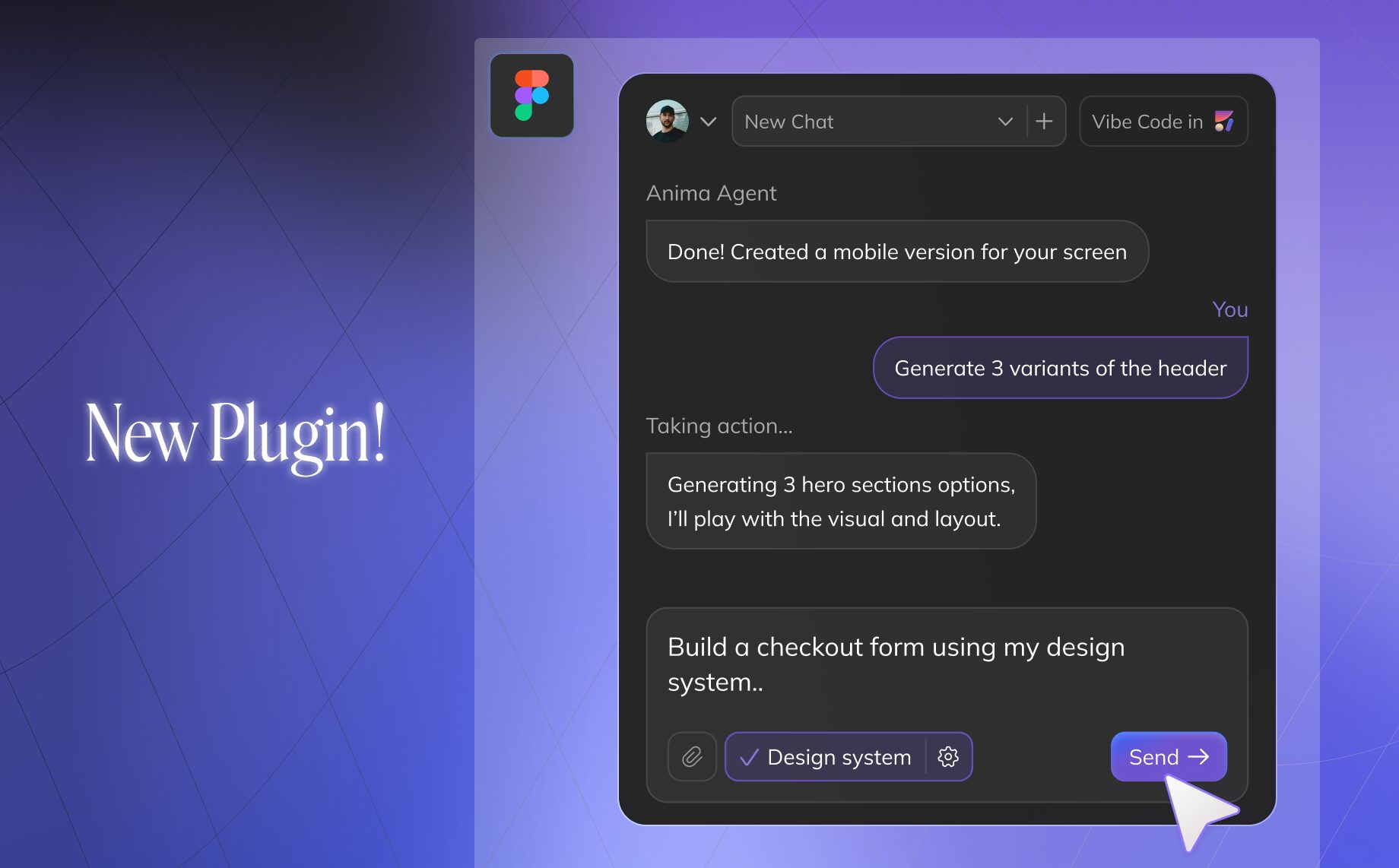
Anima Agent is a new Figma plugin that brings a powerful, agentic AI directly into your Figma workspace.
We’re calling it God Mode because the agent has all Figma capabilities. Every action you can take on the canvas, it can take — create frames, use your components, apply variables, set up auto layout, build variants, reorganize pages.
Designer-first. No terminal. No IDE. No API keys or config files. A chat panel inside Figma — that’s the entire interface. You shouldn’t need to leave your design tool to use AI.
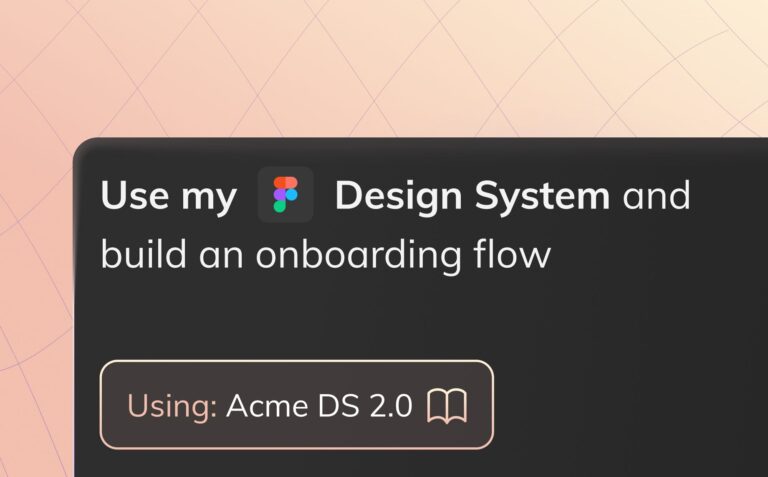
Your design system, built in. Import your components, variables, and tokens. The agent doesn’t just know Figma — it knows your Figma. Your naming conventions, your spacing scale, your component variants. When it builds a screen, it reaches for your buttons, your cards, your tokens. Not generic rectangles.
It takes action. This isn’t a chatbot that suggests things you then manually create. It builds directly on the canvas, using the same primitives you’d use yourself.
It carries context. Not one-shot commands — a conversation. Each message builds on the last. You’re collaborating, not starting over every time.
Zero setup. Install the plugin. Start a chat. That’s it. No skills files to write, no markdown to configure. The agent already knows how to work in Figma.
Designer-first
No terminal. No IDE. No API keys or config files.
A chat panel inside Figma is the entire interface.
Why it had to live inside Figma
The difference between AI-generated UI and designed UI is whether the output belongs to a system. Generic AI screens look like wireframes assembled by someone who’s never seen your product. The font is wrong. The components don’t match. The spacing feels arbitrary.
An agent that lives inside Figma starts from everything you’ve already built. It reads your library first. It knows what exists. The output doesn’t just look right — it is right.
What you can do with it
Design new features on existing screens. Select any screen in your file. Tell the agent what to add or change. It sees what’s on your canvas, understands the structure, and builds on top of it. Then iterate — try variations, explore directions, refine. You’re designing on real screens, not blank frames.
Grab anything from the web, iterate on it. Paste a URL — a UI you admire or your own production site — and the agent brings it into your canvas as editable Figma layers. From there, spin up variations. Restyle it with your design system. Pull apart what works and rebuild it differently.
Build or expand a design system. Give the agent even a few components, a style you like, or a reference screenshot — and it builds a full system from that foundation. Colors, typography, spacing, component variants, all consistent with the direction you set. Already have a system? The agent extends it. Hours of manual work, handled in minutes.
Context-aware creation. Anima Agent analyzes the visual structure of your selected frames to ensure new elements align perfectly with your layout and intent. It’s not just generating UI—it’s extending your existing design language with total spatial accuracy.
Any Figma action, by chat. Auto layout on 30 frames. All variants for a component set. Canvas cleanup — group by flow, align frames, and rename layers in bulk. The tasks that eat hours and require zero creative thinking are now a sentence in a chat.
Choose your model. Switch between AI models — Claude, GPT, Gemini — depending on what works best for the task.
8 Years of Deep Figma Integration
This isn’t our first product. It’s the product that everything else was leading to.
For 8 years, Anima has been the bridge between design and code — the #1 design-to-code plugin with 1.7 million installs. We’ve developed an unmatched understanding of how real Figma files work: component relationships, design system logic, and the nuances between intent and output.
Anima Agent is the natural next step. We’re taking that structural expertise and using AI to help designers create better, faster — all inside the tool they love.
Try it today 👇
Install the plugin. Open the chat. Start designing.