 Figma
Figma API
API Web to code extension
 Adobe XD
 Discord
 Twitter
 GitHub



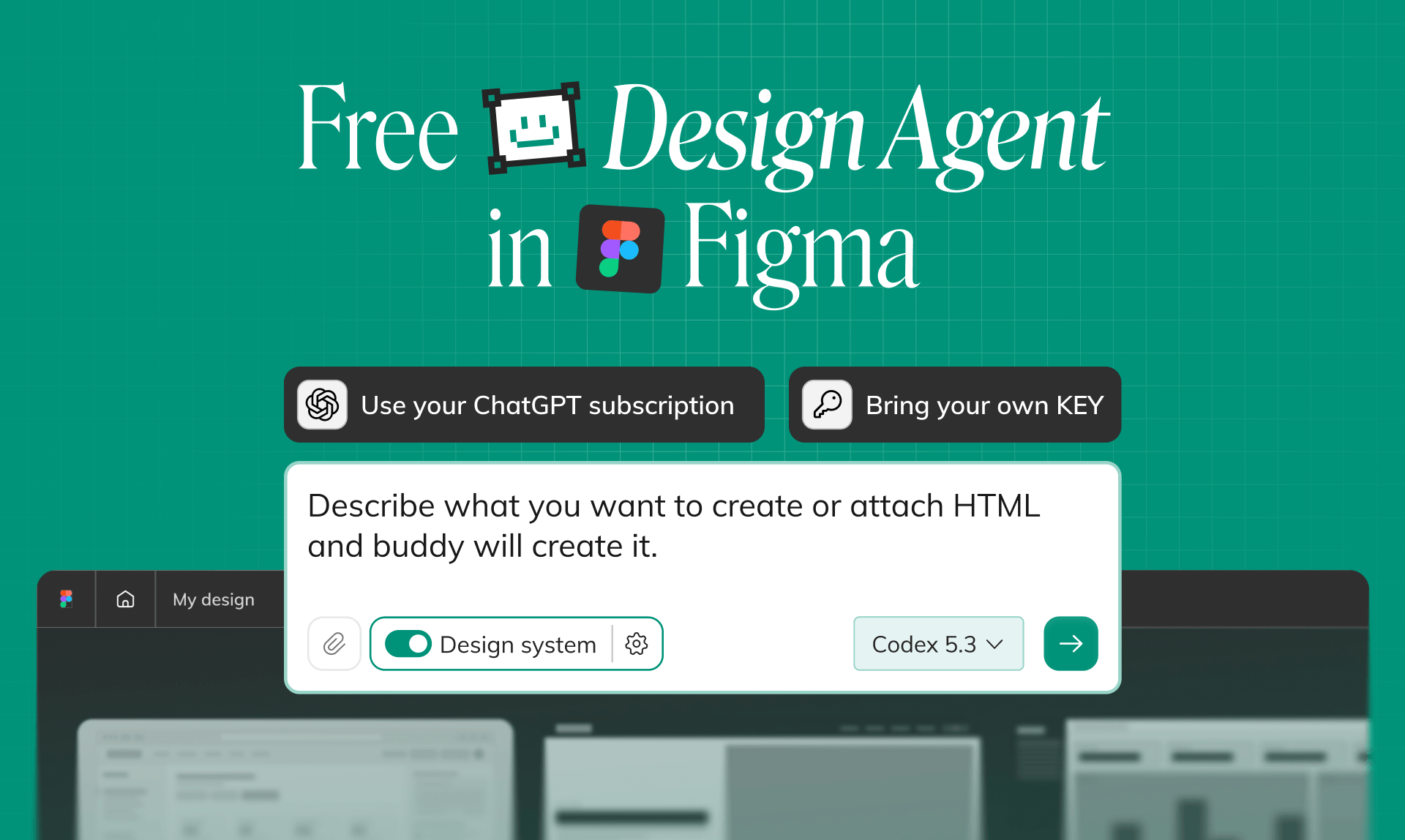
Free Figma AI Agent: Bring Your ChatGPT Subscription to Figma, Chat for Free13 min read
Reading Time: 7 minutesReading Time: 7 minutes
Reading Time: 7 minutes
Reading Time: 7 minutes
The biggest challenge with Figma AI Agents is not generating designs. It is using AI consistently without worrying about credits, limits, or unexpected costs.
As AI becomes a core part of product design workflows, designers are generating more screens, exploring more concepts, and iterating more frequently than ever before. But many AI design tools, including Figma AI, rely on credit-based usage models. Every generation, edit, or iteration consumes credits, which can make teams think twice before fully embracing AI in their daily workflow.
That creates a problem: AI is most valuable when designers can experiment freely. If every prompt feels metered, teams often generate fewer ideas, explore fewer alternatives, and get less value from the technology.
Buddy by Anima was built to solve that problem.
Buddy is Anima’s Figma AI Agent that lets you connect your existing ChatGPT subscription and use it directly inside Figma. Instead of paying for another subscription for another tool or managing a separate AI credit system, you can use the AI access you already have to generate, edit, and refine designs on the Figma canvas at no additional cost.
Beyond pricing, Buddy is designed for real product design workflows. It helps teams create and edit interfaces while working with existing design systems, components, variables, styles, and brand guidelines. Rather than generating generic mockups, Buddy focuses on producing design work that fits naturally into professional design processes.
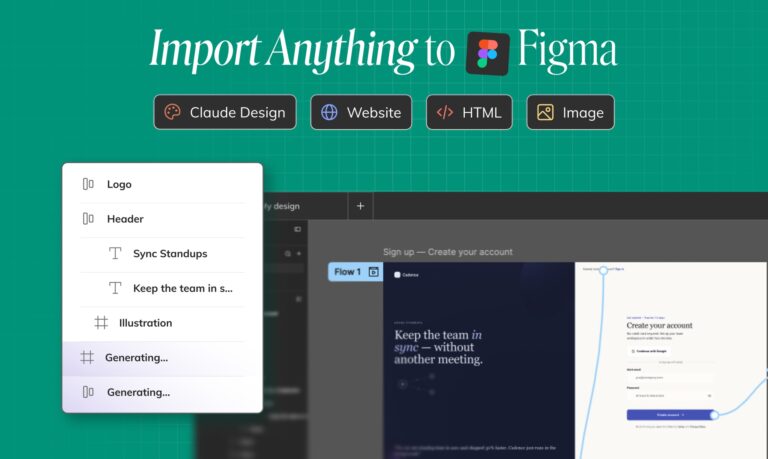
In addition to AI-powered design generation and editing, Buddy can import live websites, HTML artifacts, and outputs from tools such as Claude Design directly into Figma as fully editable layers. This creates a seamless workflow between AI-generated experiences and professional design environments, helping teams move faster from concept to implementation.
For organizations, Buddy also supports a bring-your-own-API-key approach. Teams can connect their own OpenAI or Anthropic API keys to Buddy, allowing Buddy to operate within existing AI infrastructure, governance policies, and budgets. Combined with deep Figma integration and design-system awareness, Buddy provides a flexible and cost-effective alternative for teams looking to adopt a powerful Figma AI Agent without adding another layer of AI credit management and without compromising on quality.
What is a Figma AI Agent?
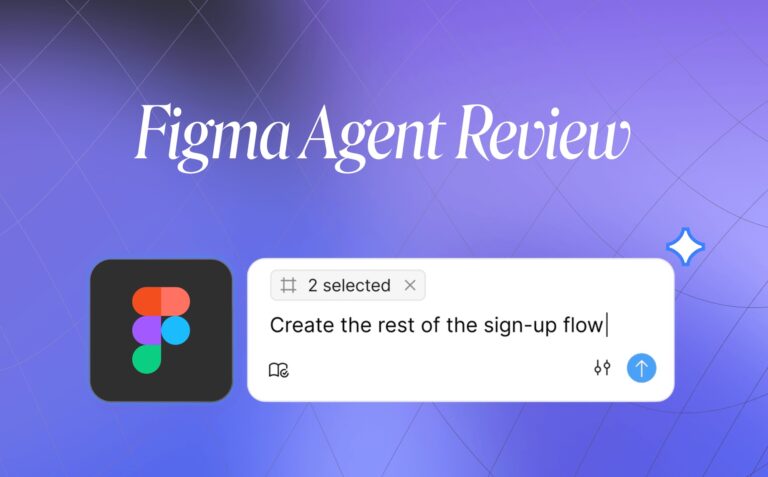
A Figma AI Agent is an AI tool that works directly inside your Figma file. It does not just suggest ideas in a separate chat window. It can generate screens, edit existing frames, apply components, use variables, create variants, clean up layers, and help you keep working on the canvas your team already uses.
There are now a few tools in this space:
- Figma’s native AI agent — built into Figma’s own product experience.
- Buddy by Anima — a Figma AI Agent that runs inside Figma and can now use your own ChatGPT subscription or API key.
- Nodey by UX Pilot — another Figma-native AI design agent for product and UX teams.
This article is not a full head-to-head comparison. We already introduced Buddy in more detail in our original guide to Figma AI design agents.
This update is about something more specific: price. Buddy is your free Figma AI Agent.
Why is Figma pricing high?
AI design tools are powerful, but they are also usage-based. Every prompt, generation, and edit has a cost behind it.
That is why Figma price matters. If your team uses AI for real product work — not just a few demos — you are likely to generate multiple directions, ask for edits, test edge cases, rebuild sections, and iterate through flows. That kind of work can use credits quickly.
The result is a new kind of design cost: not just “How much does Figma cost?” but “How much will AI design cost when my team actually uses it every day?”
For designers, PMs, and product teams, that matters. AI is most useful when you can explore freely. If every prompt feels metered, people start holding back. They ask fewer questions, generate fewer options, and use AI less than they should.
Buddy removes that friction by changing the pricing model. Instead of buying another AI design plan or worrying about a separate credit balance, you connect the ChatGPT subscription you already pay for and use it inside Figma.
How Buddy stays free: bring your own ChatGPT
Buddy works with the AI access you already have.
Once you connect your ChatGPT subscription, Buddy uses that plan to power the conversation and design generation. You can ask Buddy to generate screens, refine layouts, update copy, restructure sections, and keep iterating without paying an additional subscription.
In simple terms:
- You install Buddy in Figma.
- You connect your ChatGPT subscription.
- You chat with Buddy on the Figma canvas.
- Buddy generates and edits designs using your existing ChatGPT plan.
- Anima does not charge extra for those AI chats.
That makes Buddy especially useful for designers who already pay for ChatGPT but do not fully use it every day. Instead of paying for another AI UI design tool, your existing subscription becomes the engine behind your Figma design AI workflow.
For teams: connect your OpenAI or Anthropic API key
Individual designers can connect to ChatGPT. Teams can go one step further.
If your company already manages AI usage through OpenAI or Anthropic, Buddy can run on your organization’s API key. That means product teams can use Buddy inside Figma while keeping AI usage connected to the company’s existing billing, governance, and model access.
This is useful for teams that already have internal rules around AI tools, security, budgets, or preferred models. Instead of asking every designer to create another account or pay for another product, the team can bring its own AI infrastructure into the Figma workflow.
What you can design with Buddy in Figma
Buddy is built for real AI for UI design work, not just quick visual experiments.
Once connected, Buddy can help you:
- Generate designs from a prompt — turn an idea, feature brief, PRD, or rough direction into editable Figma screens.
- Edit existing frames — select a screen and ask Buddy to improve the layout, add a section, create a variation, or refine a state.
- Use your design system — generate screens that reuse your components, variables, type styles, spacing, and visual language.
- Automate repetitive Figma work — clean up layers, apply auto layout, create variants, rename frames, or organize messy files.
- Import websites and HTML artifacts — bring live website pages or AI-generated HTML into Figma as editable layers.
- Work with Claude Design artifacts — import Claude Design outputs into Figma and keep iterating on the canvas.
Bring Claude Design and HTML artifacts into Figma
Claude Design is a great example of how fast AI-native design is moving. You can generate interfaces and artifacts quickly, but at some point many teams still need the work back in Figma — where designers review, refine, collaborate, and prepare the final product experience.
Buddy helps bridge that gap.
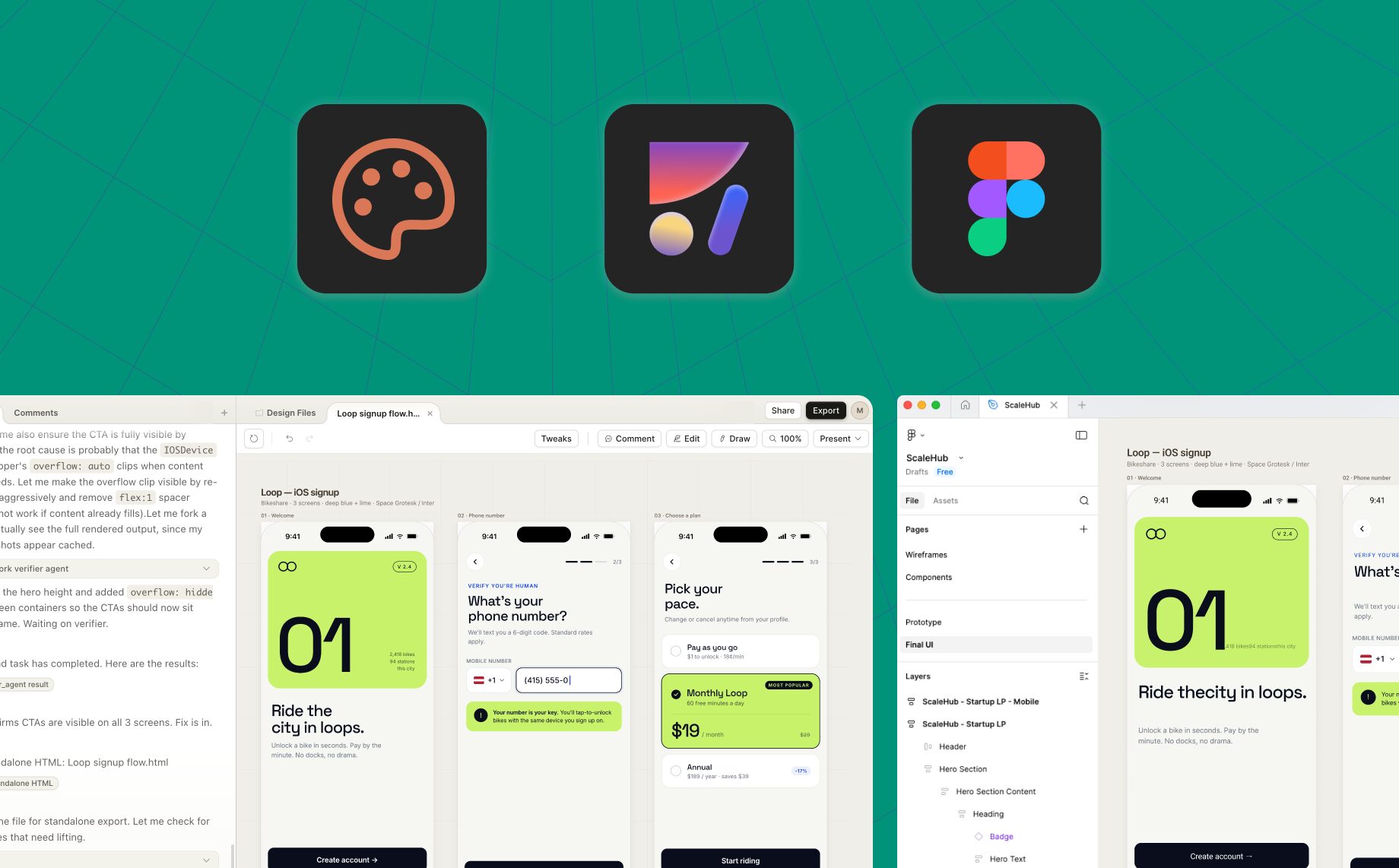
You can bring HTML artifacts, including Claude Design outputs, into Figma as editable layers. Export the artifact as HTML, import it with Buddy, and continue working on the design inside your Figma file.
The important part is what Buddy preserves.
Many import workflows only bring over one screen or a flat visual reference. Buddy is built to bring in the full artifact: every screen, every state, and the structure you need to keep editing. From there, you can adjust the design, turn repeated elements into components, apply variables, and align the output with your design system.
That makes Buddy useful not only for Figma-first design, but also for teams experimenting with Claude Design, AI-generated websites, and HTML-based design artifacts.
You can read more in our guide on how to go from Claude Design to Figma.
Is Buddy really free?
Buddy is free to use when you connect your own ChatGPT subscription or API key. The AI usage runs through your existing plan, and Buddy chats will always remain free with a connected subscription or API key.
We may add advanced paid capabilities later, but the core chat experience will stay free.
Who should use Buddy?
Buddy is useful for anyone who wants AI design inside Figma.
It is especially helpful for:
- Product designers who want to generate UI, explore directions, and iterate faster.
- UX/UI designers who want AI that respects real design systems.
- Product managers who want to turn ideas, feature briefs, and user flows into visual drafts.
- Startup teams that need fast, editable design output without adding another AI design subscription.
- Design teams that want to connect AI to their existing Figma workflow, components, and brand system.
- Teams experimenting with Claude Design who still need to bring artifacts back into Figma.
FAQ
Is Figma’s Design Agent free?
Figma has AI credits across its plans, including limited credits on the Starter plan. But Figma AI is still credit-based, and usage can vary depending on the request. If a team needs more credits, admins can purchase additional AI credits.
Buddy, Anima’s Figma AI Agent, works differently. The Cahts will always be free. In the future, we will add more capabilities that might be behind a paywall, but the chats will always remain free as long as your own ChatGPT subscription or API key is connected.
Does Buddy use my ChatGPT subscription?
Yes. Buddy uses your connected ChatGPT subscription to power AI chats and design generation. That is how Buddy can stay free from Anima’s side: instead of charging you for another AI plan, Buddy runs on the AI access you already have.
Can teams use an API key instead of ChatGPT?
Yes. Teams can connect an OpenAI or Anthropic API key. This lets Buddy run on the company’s existing AI infrastructure, which is useful for teams that manage AI usage, billing, and access centrally.
Can free Figma users use Buddy?
Yes. Buddy runs as a Figma plugin, and the AI generation can run through your connected ChatGPT subscription. That makes it a practical way for free Figma users to access AI design workflows inside Figma.
Is Buddy good for AI UI design?
Yes. Buddy is built for AI UI design inside Figma. It can generate new screens, edit existing frames, create variations, use components, apply variables, and help teams move faster without leaving the canvas.
What makes Buddy different from an AI website design generator?
Most AI website design generator tools create output in their own environment. Buddy keeps the work inside Figma. That means designers can generate website sections, landing pages, dashboards, and flows, then keep editing every layer in the same file where the team already collaborates.
Can Buddy work with AI design systems?
Yes. Buddy can use your Figma components, variables, type styles, and visual patterns. That makes it useful for AI design systems workflows, where the goal is not just fast generation but consistent, on-brand design output.
Can Buddy import Claude Design artifacts into Figma?
Yes. Buddy can import HTML artifacts, including Claude Design outputs, into Figma as editable layers. This helps teams explore ideas in Claude Design and then bring the work back into Figma for refinement, collaboration, and design-system alignment.
What is UI UX design AI?
UI UX design AI refers to AI tools that help designers create, edit, and improve user interfaces and user experiences. The strongest UI UX design AI tools do more than generate a first draft — they help teams iterate, apply design systems, and keep working in the tools they already use.
Start designing with Buddy for free
Connect your ChatGPT subscription, open Buddy in Figma, and start generating editable, design-system-aware UI directly in your file.