
 Figma
Figma API
API Web to code extension
 Adobe XD
 Discord
 Twitter
 GitHub


Claude to Figma: how to import a Claude artifact or AI prototype into Figma
Reading Time: 2 minutesLearn how to import a Claude artifact or Claude AI prototype into Figma using Anima Buddy. Copy from Claude, paste into Figma, and get editable layers, screens, and states.

The new handoff: How to share your AI agent’s code with your team
Reading Time: 6 minutesTurn code from Claude, Codex, ChatGPT, or any AI agent into a live, shareable link your team can open, test, and edit.
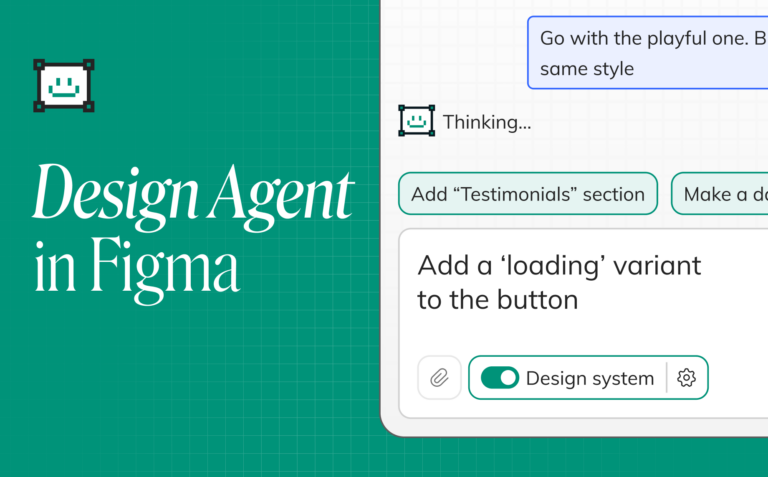
Figma AI Design: Introducing Buddy, Your Figma AI Design Agent
Reading Time: 9 minutesFigma AI design agent. Stay in Figma canvas and use AI to design, iterate, and build with your design-system. No setup, no terminal.
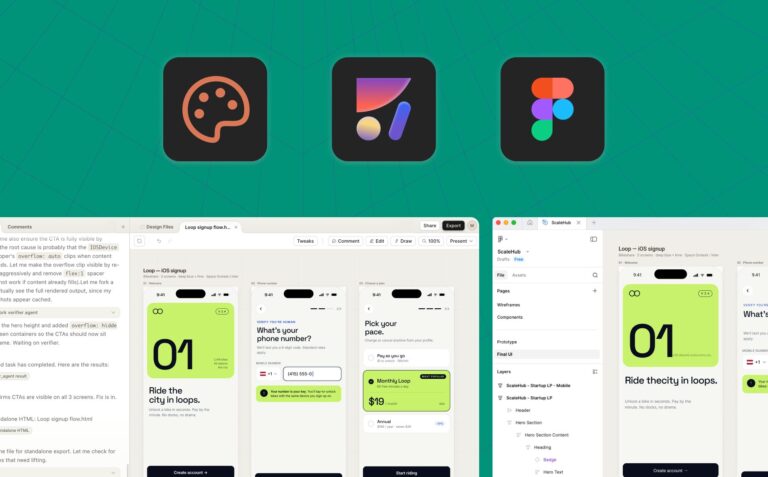
How to go from Claude Design to Figma
Reading Time: 3 minutesClaude Design is a new way to design with AI, by Anthropic. Anima Figma agent allows professional designers to go from Claude Design to Figma, and keep working on a canvas.
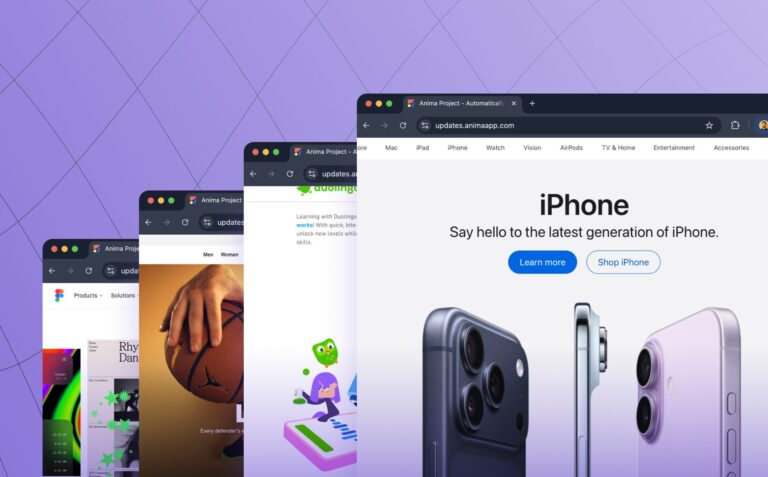
Clone website: Turn any website into React or HTML code instantly ✨
Reading Time: 3 minutesTurn any website into clean, editable frontend code. Anima’s new Link to Code lets you paste a URL and instantly generate responsive React or HTML code—perfect for prototyping, refactoring, or remixing the web.
Figma to HTML: How to export a Figma design into HTML
Reading Time: 4 minutesFigma designs to HTML with AI. Export responsive HTML/CSS code for individual screens, components, or full websites using Anima's AI agent.

Figma to React: Convert Figma designs to clean React code
Reading Time: 7 minutesConvert Figma to React with Anima. Paste a Figma link into Anima Playground or use the Figma plugin to generate clean, responsive React code you can edit, export, or publish.

No AI Credits: Unlimited Vibe Coding with Your Own Model
Reading Time: 6 minutesBring your OpenAI subscription, OpenAI or Anthropic API key, or OpenAI Codex subscription to Anima Playground and chat without spending Anima AI credits. Keep iterating in the state-of-the-art vibe coding platform while paying for tokens only once.

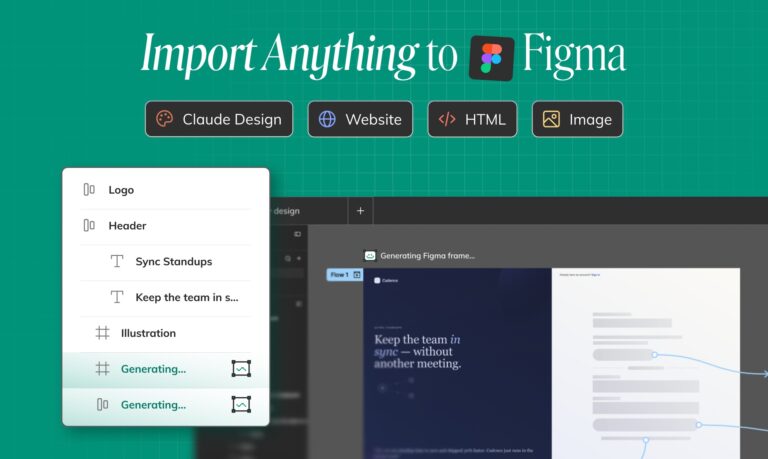
Import to Figma: Buddy turns Images, HTML, Claude design, Claude prototypes, and Websites to Layers
Reading Time: 5 minutesImport Claude Design artifacts, Claude artifacts, HTML, images, screenshots, and website URLs into Buddy, then get editable Figma layers on the canvas.
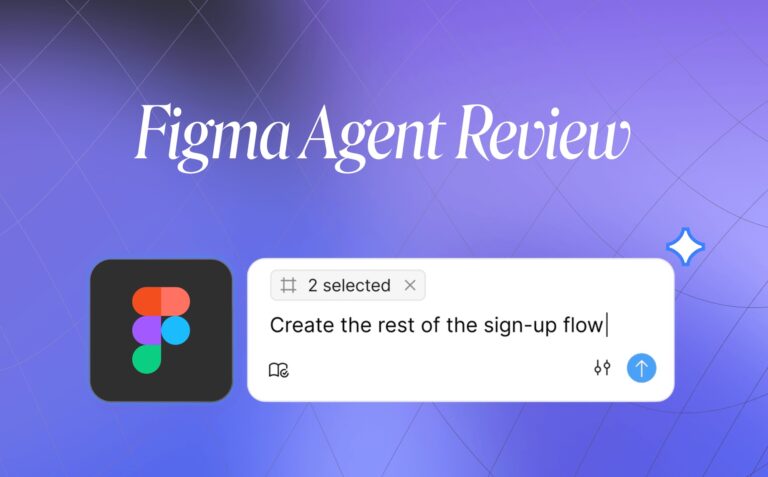
Figma Design Agent Review: Features, Pros, Cons, and Best Alternative
Reading Time: 9 minutesFigma Design Agent review: explore its features, pros, cons, beta limitations, and why Buddy by Anima is the best alternative for Figma-native AI design workflows.

Google I/O 2026: AI is the interface of everything, and digital employees are coming next
Reading Time: 10 minutesGoogle I/O 2026 was the clearest signal yet that AI is becoming the interface layer across search, design, coding, productivity, and devices, and that hosted agents may bring digital employees to every SMB.

User Experience Basics – What Every Designer and Builder Needs to Know in 2026
Reading Time: 11 minutesLearn user experience basics — from core UX principles to applying them when building with AI. A practical 2026 guide for designers and builders.
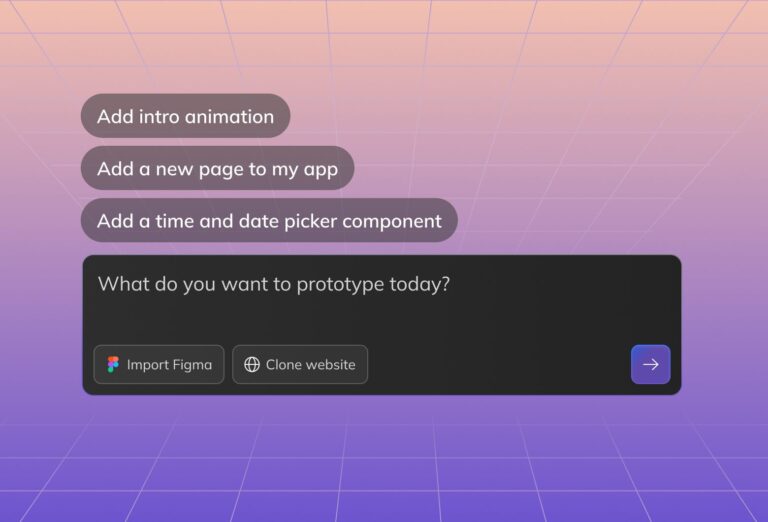
AI Design: Designing with AI in 2026
Reading Time: 10 minutesAI design in 2026 means starting with a prompt, image, website, or Figma design, then working with AI agent to create, edit, code, and publish working web experiences.
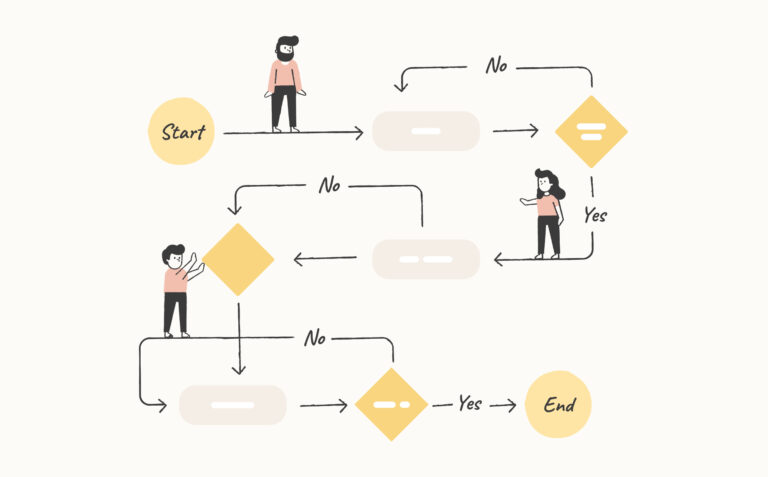
What are UX user flows and why are they important?
Reading Time: 5 minutesAnyone can design with AI, but design fundamentals are key to crafting good design. User flows streamline your design process and set the stage for an intuitive user experience.
Graphic Design in 2026
Reading Time: 10 minutesGraphic design in 2026 has changed forever thanks to AI. Anyone can design. Yet, design fundamentals remain a key to good design.

Claude Design Review: Features, Pros, Cons, and Best Alternatives
Reading Time: 11 minutesClaude Design review: explore its features, pros, cons, and best alternatives, including Anima Playground, Buddy, Google Stitch, UX Pilot, and Banani.

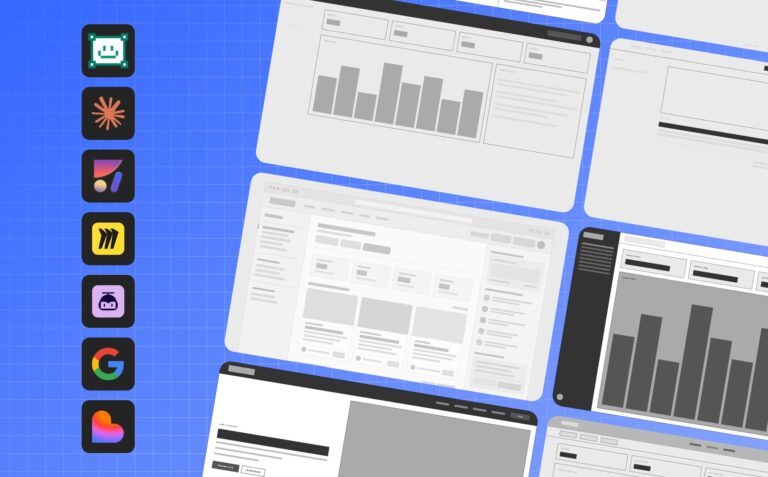
7 Best AI Wireframing Tools in 2026
Reading Time: 11 minutesCompare the best wireframing tools in 2026, including AI tools to design wireframes, Figma wireframe tools, and wireframe-to-code platforms.
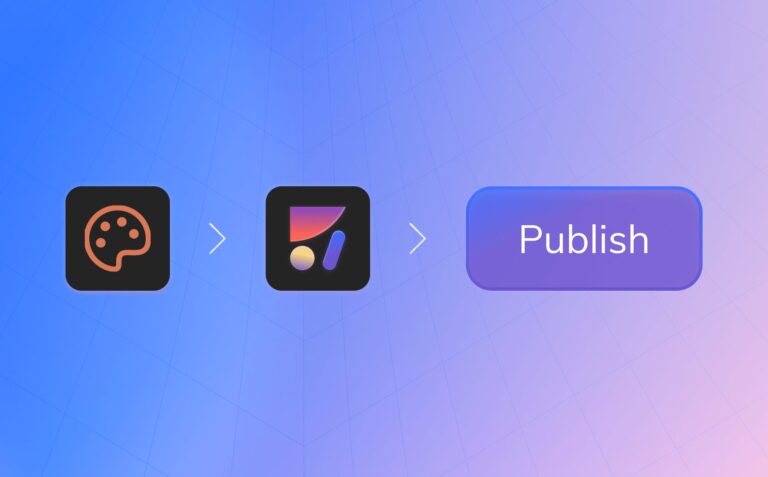
How to Publish a Website with Claude Design
Reading Time: 5 minutesIf you are using Claude Design and asking how to publish a website, go live, get feedback, and keep iterating as a professional team, this is the workflow.
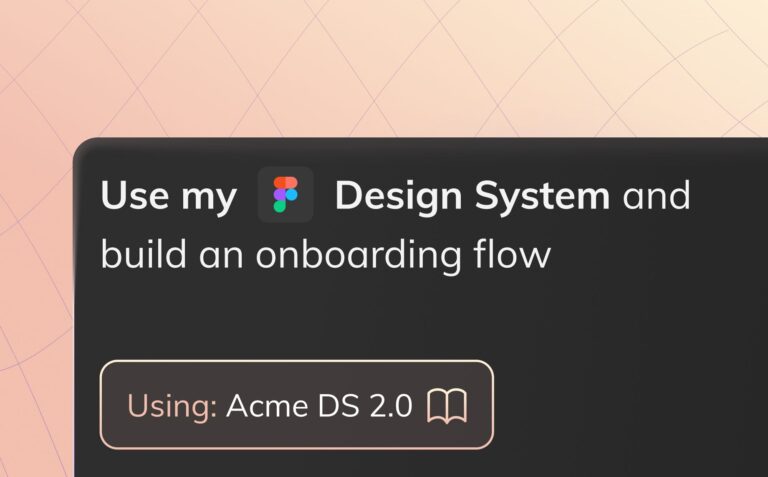
Vibe Code With Your Figma Design System
Reading Time: 4 minutesBuild apps with your Figma design system using Anima. Convert components into React code and vibe code new UI that stays on brand.
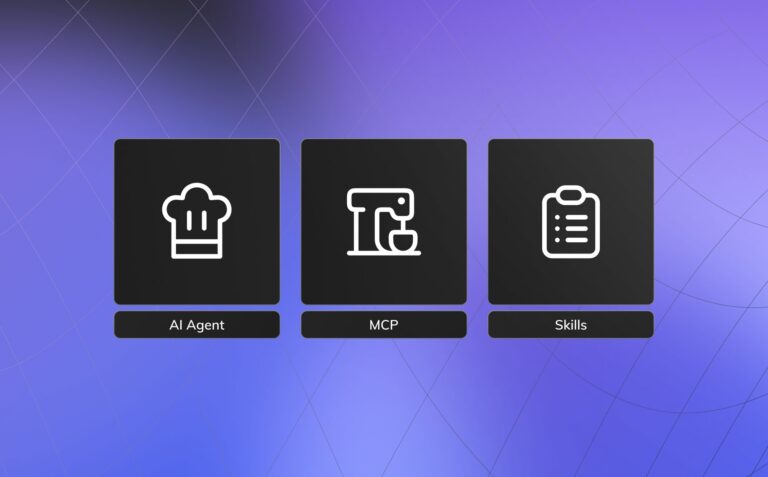
What is an AI agent’s skill? 🦞 A practical guide for product teams
Reading Time: 3 minutesWhat is an AI agent skill? Learn how skills structure execution, connect tools like MCP, and power reliable design-to-code and vibe coding workflows for modern teams.

Anima Skill 🦞: AI agents can now design, explore, and publish apps with Anima
Reading Time: 3 minutesIntroducing Anima, the UX design agent that understands your brand, design system, and visual language. Go from idea to production-ready code (no design or coding skills required).

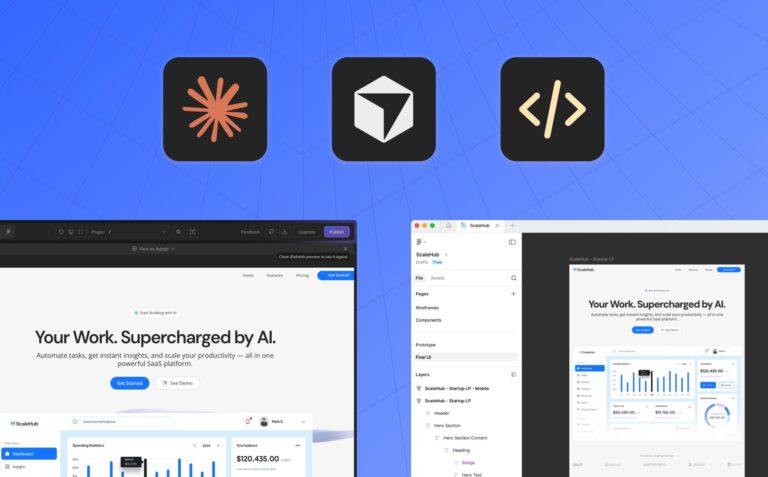
Anima MCP – Connect your AI coding agent to Anima Playground and Figma
Reading Time: 2 minutesConnect your AI coding agent to Anima Playground and Figma with Anima MCP. Pull real code directly into Cursor or Claude Code, no exports, no copy-paste.
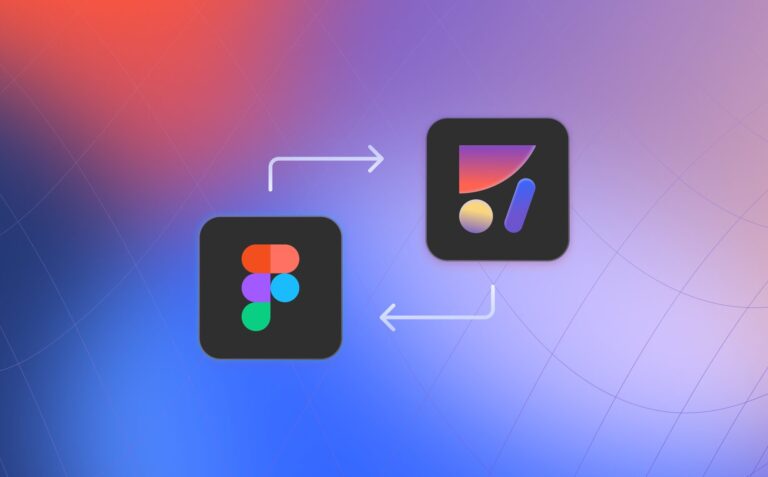
Two major new features for the Figma workflow: Mid-project import & Copy to Figma
Reading Time: 2 minutesBidirectional Figma and code workflow with Anima: vibe code in the browser, copy back to Figma, import designs mid-project, and keep design and code fully in sync.

Introducing Anima, the UX Design agent
Reading Time: 5 minutesAnima is the UX design agent that understands your brand and design system. Build visually consistent, production-ready prototypes in a vibe-coding environment, then hand off to engineering via MCP. Design is now code.
How to modernize your blog to React + Contentful CMS with Anima
Reading Time: 4 minutesMigrate your blog to React without rebuilding from scratch. Clone your site, connect Contentful, tweak the UI with prompts, and publish fast using Anima Playground.

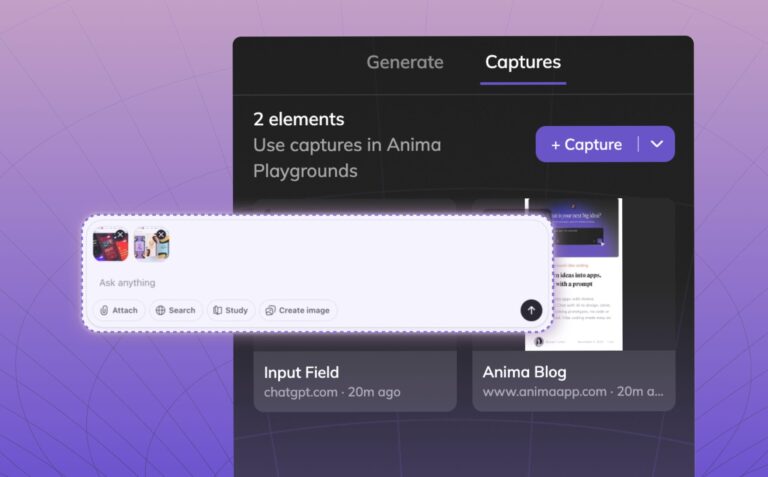
Meet Capture Elements: Copy / paste elements and styles from any website
Reading Time: 2 minutesTurn any website into your UI library. Capture real elements, styles, and layouts as code and instantly use them in Anima.

Do Design Systems matter in the Age of AI?
Reading Time: 6 minutesWill design systems survive AI and vibe coding? A deep dive into Figma vs code, AI handoff, and the future of design systems in 2026.

Built-in Databases for Anima Playground | Zero-Config Backend
Reading Time: 2 minutesShip apps that store real data instantly. Anima Playground creates built-in databases automatically for waitlists, forms, and internal tools. No SQL required.